Chapter 3 Update the driver
As when performing the installation, log in as an administrator before carrying out this operation.
1. Delete the driver
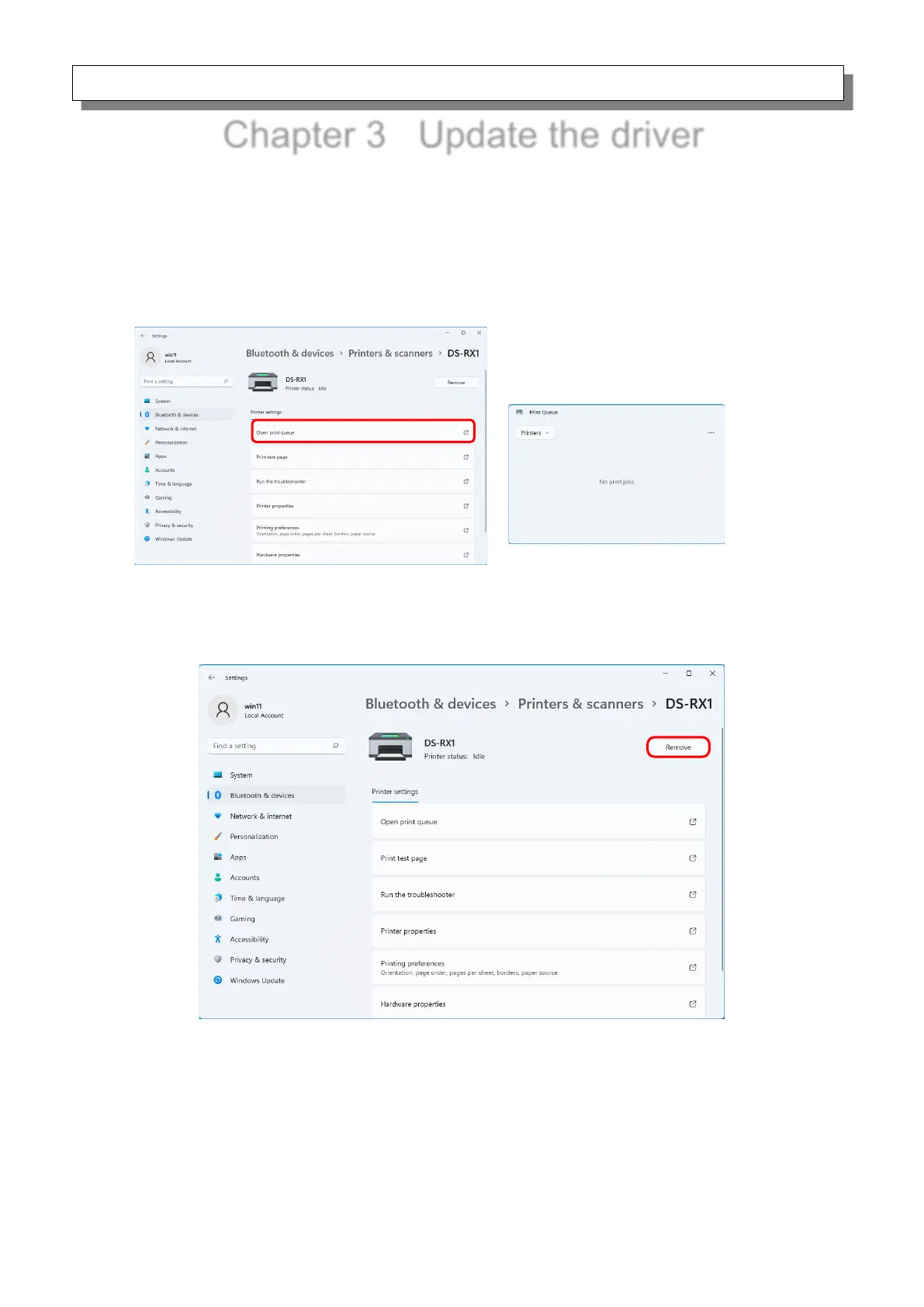
1) Before deleting the printer driver, close all applications. Furthermore, click on the printer to be
deleted on the “Printers & scanners” screen, and then click “Open print queue”. Confirm that
there are no print jobs, and then start deletion of the driver.
Figure 3.1 Screen when Open print queue is clicked
2) From the “Printers & scanners” screen, select DS-RX1, and then click “Remove”.
Figure 3.2 Screen when DS-RX1 is selected and Remove is clicked



 To Next Page