1.1 Prepare the printer and computer
1) Make sure that the DS-RX1 printer power is off.
Prepare a USB cable. However, do not use the USB cable to connect the printer and computer
at this time.
2) Log in to Windows as an administrator. The following explanation presumes that the operations
are carried out with administrator privileges.
1.2 Install the driver package
Insert the included CD into the disc drive.
Open Windows Explorer, and then click the corresponding drive.
If AutoPlay is enabled, a message appears stating “Tap to choose what happens with this disk”.
Click the message and select “Open folder to view files Windows Explorer”.
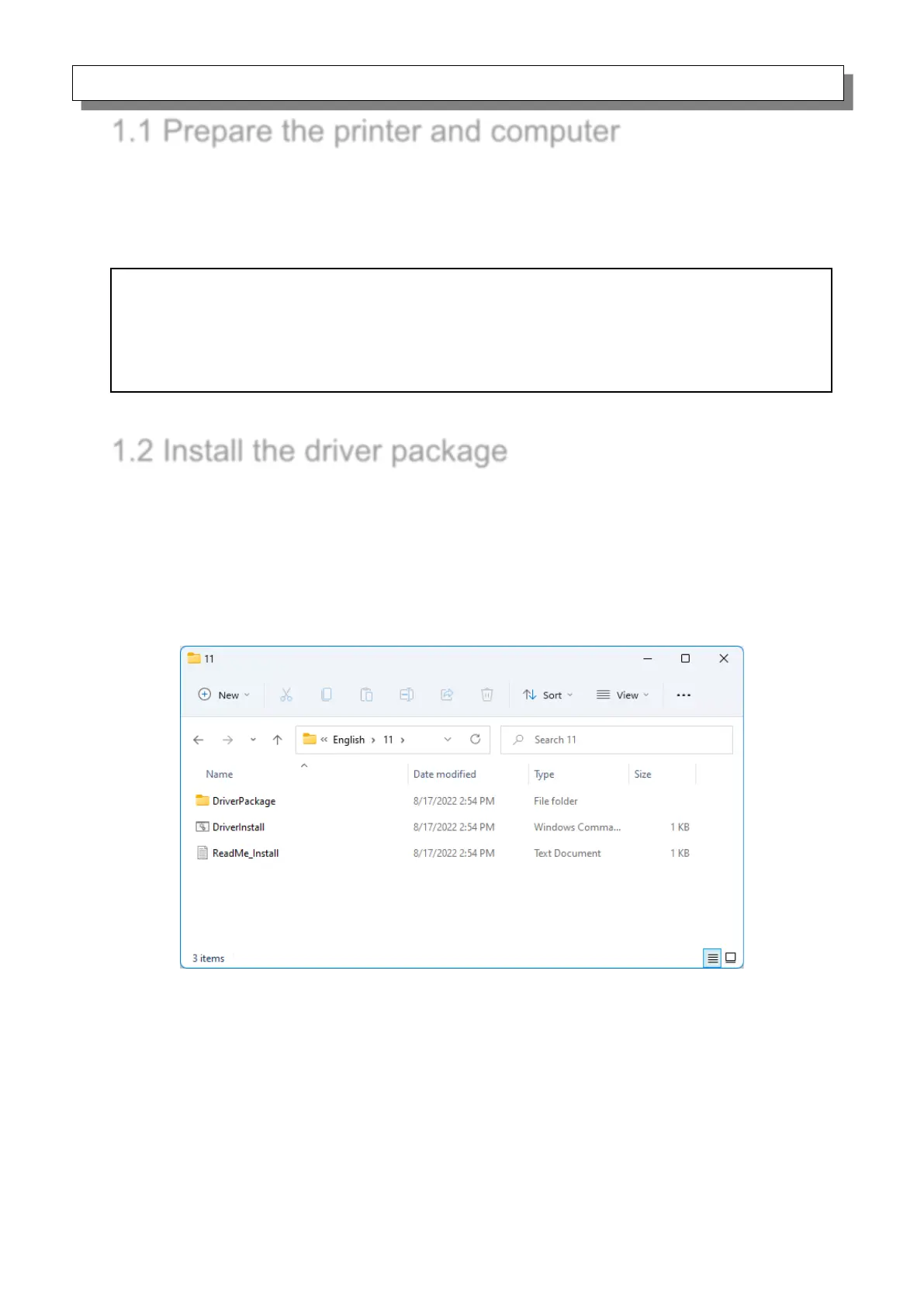
Select the following installation folder. *Select the folder for your usage environment.
CD drive:\\DS-RX1_Driver\English\11
Figure 1.2.1 Driver Package folder
CAUTION:
The display settings of the computer must be set as follows. If the settings differ from the following,
the printing preferences screen and other items may not fit in the display area.
· Resolution: At least 1280x800
· Size of text and other items (DPI): 100%



 To Next Page