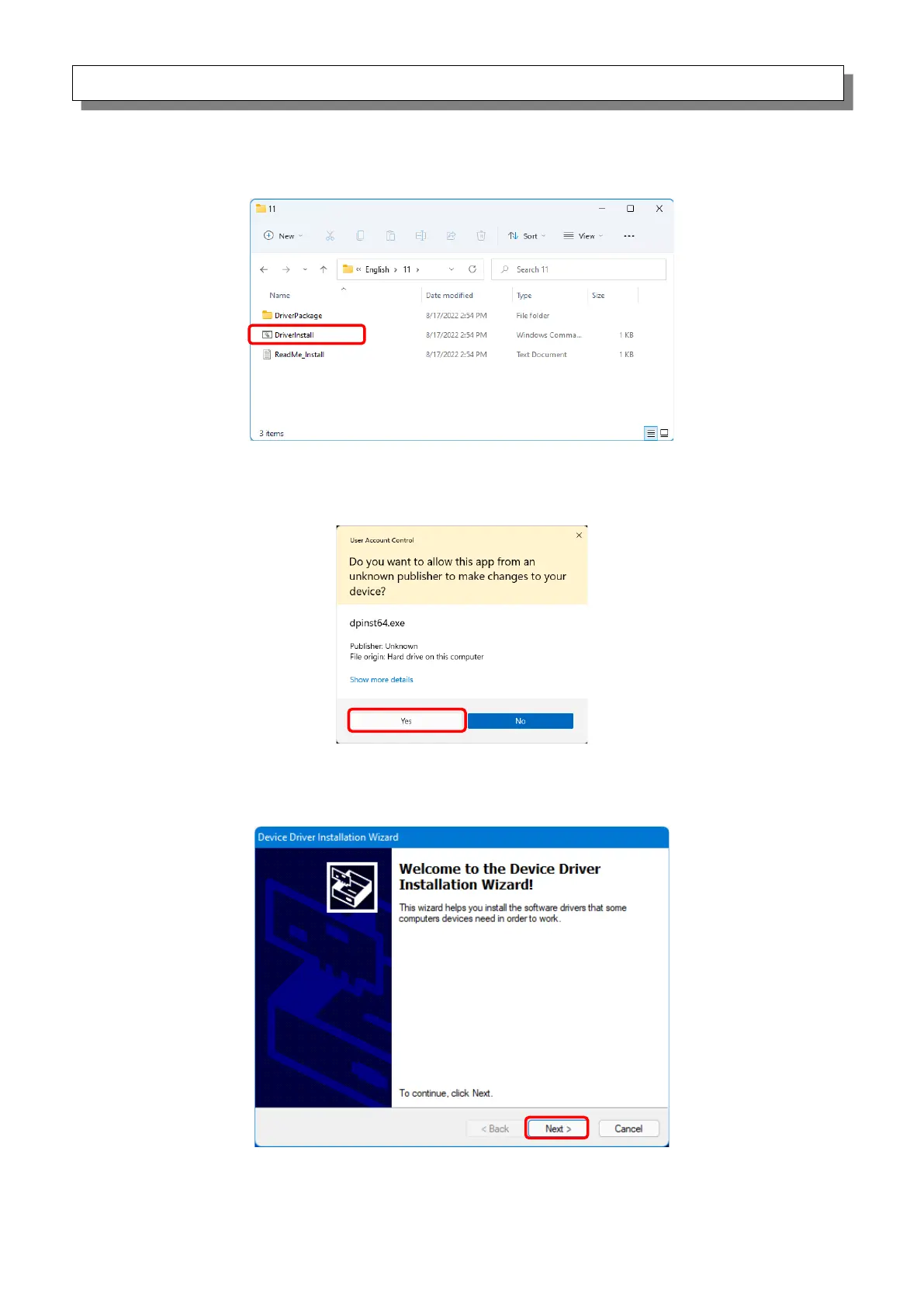
In the selected folder, double click the following file: DriverInstall.CMD. (Depending on your usage
environment, the .CMD extension may not be displayed.)
Figure 1.2.2 Installation file
When a User Account Control dialog box appears, click “Yes”.
Figure 1.2.3 User Account Control
The “Welcome to the Device Driver Installation Wizard!” screen appears. Click “Next >”.
Figure 1.2.4 Start of Installation Wizard



 To Next Page