Select The iPhone's Priority Level
When the pairing process has successfully com-
pleted, the system will prompt you to choose
whether or not this is your favorite mobile
phone. Selecting “Yes” will make this mobile
phone the highest priority. This mobile phone
will take precedence over other paired mobile
phones within range and will connect to the
Uconnect system automatically when entering
the vehicle. Only one mobile phone and/or one
Bluetooth audio device can be connected to the
Uconnect system at a time. If “No” is selected,
simply select “Uconnect” from the mobile
phone/audio device Bluetooth screen, and
the Uconnect system will reconnect to the
Bluetooth device.
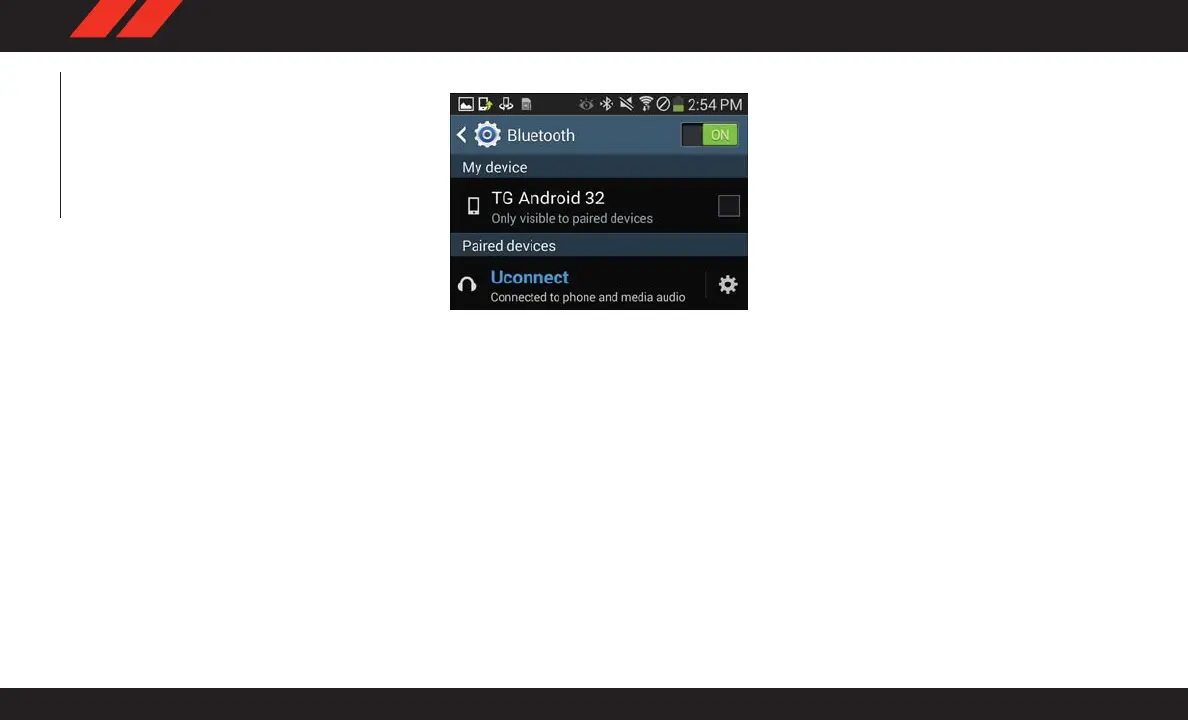
Pair Your Android Device:
To search for available devices on your
Bluetooth enabled Android Device:
1. Push the Menu button.
2. Select Settings.
3. Select Connections.
4. Turn Bluetooth setting to “On.”
• Ensure the Bluetooth feature is enabled.
Once enabled, the mobile phone will be-
gin to search for Bluetooth connections.
5. Once your mobile phone finds the Uconnect
system, select “Uconnect”.
• Y ou may be prompted by your mobile
phone to download the phonebook,
check “Do Not Ask Again” to automati-
cally download the phonebook. This is so
you can make calls by saying the name of
your contact.
Uconnect Device
MULTIMEDIA
282















 To Next Page