Roadside Assistance Call
V ehicle Health Reports**
V ehicle Health Alert**
Performance Pages Plus**
**If vehicle is equipped.
Register (4C NAV)
To unlock the full potential of SiriusXM Guard-
ian in your vehicle, you must activate your
SiriusXM Guardian services.
1. Press the Apps icon on the bottom of your
in-vehicle touchscreen.
2. Select the Activate Services icon from your
list of apps.
3. Select “Customer Care” to speak with a
SiriusXM Guardian Customer Care agent
who will activate services in your vehicle, or
select “Enter Email” to activate on the web.
• U.S. residents visit:
www.siriusxm.com/guardian.
• Canadian residents visit:
www.siriusxm.com/guardian/ca.
Vehicle Health Report/Alert (4C NAV)
Your vehicle will send you a monthly email
report, which summarizes the performance of
your vehicle’ s key systems so you can stay on
top of your vehicle’ s maintenance needs if you
are registered for SiriusXM Guardian. Y our ve-
hicle will also send you V ehicle Health Alerts
when it detects issues with its key systems that
need your attention. For further information,
refer to your owner’ s manual.
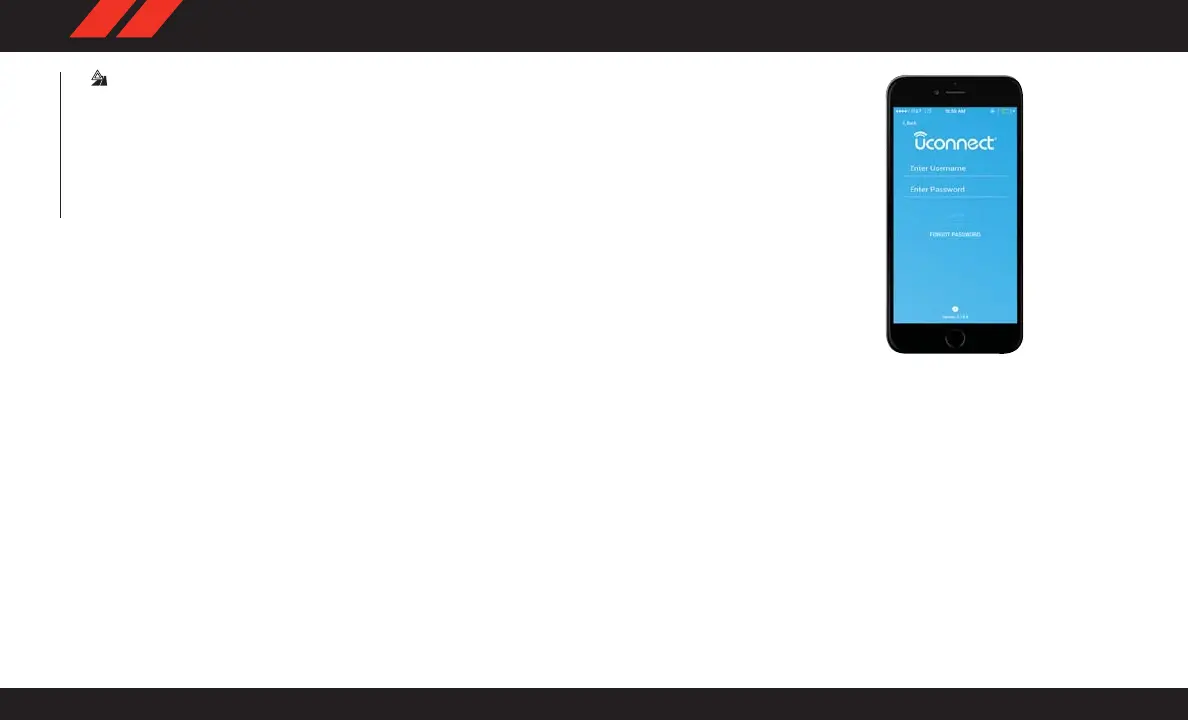
Mobile App (4C NAV)
You’re only a few steps away from using remote
commands.
To use the Uconnect App:
• Download the Uconnect App to your mobile
device.
• Press the Info button on the navigation bar at
the bottom of the app for Vehicle Info.
• Press the Remote button on the navigation
bar at the bottom of the app to Lock/Unlock,
Remote Start, and activate your horn and
lights remotely.
Mobile App
MULTIMEDIA
292















 To Next Page