DORM
ED400 In Floor
Controller Manual
3
DORMA AUTOMATICS, Inc. 924 Sherwood Drive Toll-Free: 877-367-6211 DL3128-010
Lake Bluff, IL 60044 Fax: 877-423-7999 10/1/2007
E-mail: automatics@dorma-usa.com Subject to change without notice
INTRODUCTION
The ED400 is an electro mechanical, automatic opener, for single direction swing doors (left or
right hand). The opener opens the door using electrical power, and closes it using a return spring.
The manager may turn it Off, turn it On (automatic) or place it in Hold Open (to
keep the door open indefinitely). When turned Off, or in the absence of power, it operates as a
passive door closer. Its operation may be controlled by a variety of sensors.
This is the manual for just the controller.
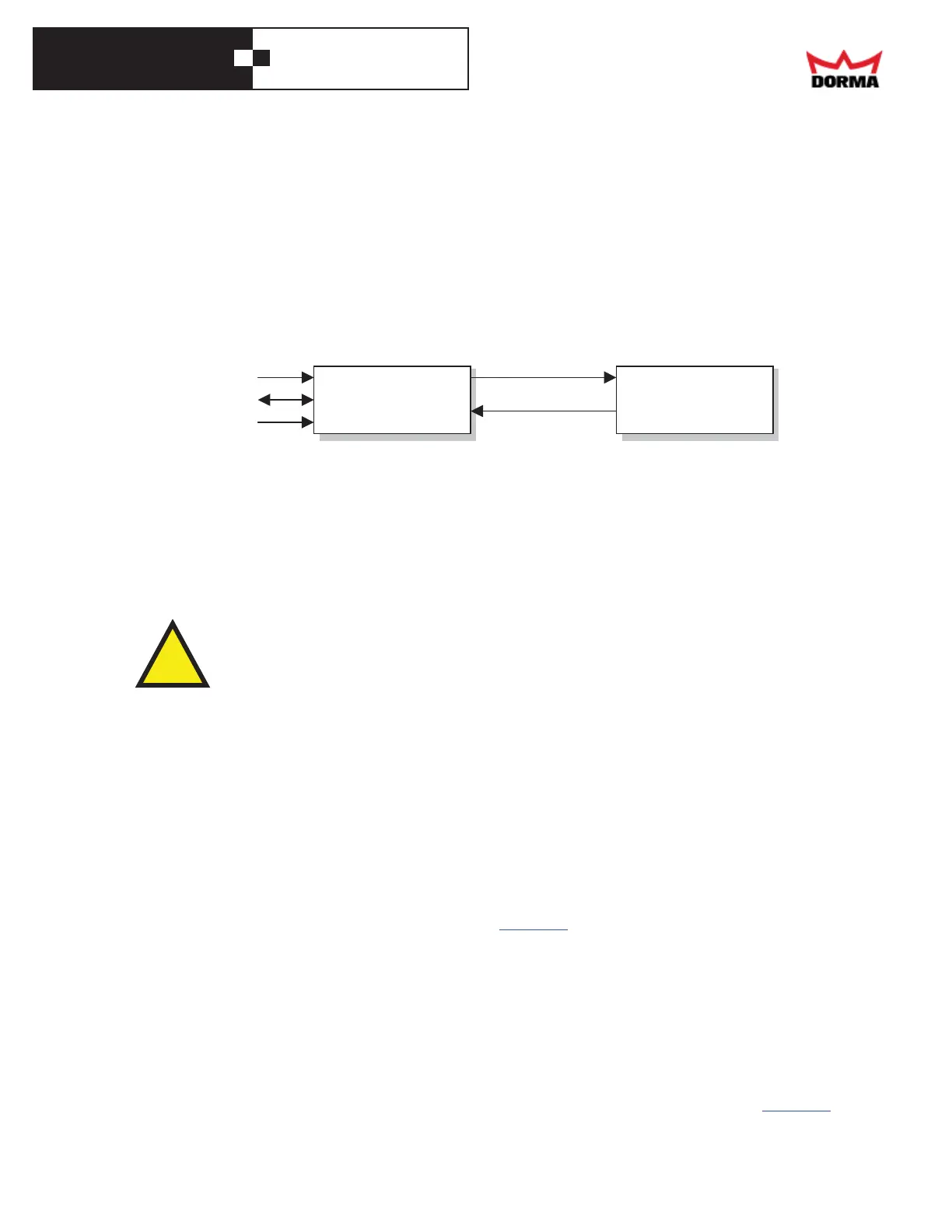
ENCODER
MOTOR DRIVE
AC POWE
SENSORS
MODE SWITCH
CONTROLLER OPERATOR
!
INSTALLATION
We'll first install the operator (and the header, surface mount), then the controller and its wiring,
then the door (OCM) or the arm (surface mount).
Operator installation
Refer to the operator's manual for instructions on mounting it.
` WARNING! When the operator is not connected to a controller, it may slam
shut, endangering you and harming the adjustment bolt.
Controller installation
To install the controller, do the following:
Controller
• Install it in the cement case, using T-bolts to the bottom of the cement case, with the side
with the display facing upwards.
• The controller is grounded through the AC power connector and the motor connector; there's
no need for direct grounding from the controller's case.
Motor
• Connect the 3-screw, black terminal block at the end of the motor cable to the controller's
"Motor" connector (on right side panel). The appendix has instructions on wiring the motor
cable to a connector.
• Check that the motor is connected properly. Install the arm on the pinion, and rotate it in the
opening direction; if that's hard to do, the motor is connected backwards. Let the arm go; if it
slams closed, the motor is connected backwards. In either case, swap the back and red wires.
Then test it again. For more inform ation, see the troubleshooting section.
Encoder
• To report their position , the operator uses an encoder. Connect its cable to the controller's
white "Encoder" connector, on the right side of the controller's front panel. The appendix
shows how to wire this connector, if it isn't already wired.



 To Next Page