DORM
ED400 In Floor
Controller Manual
7
DORMA AUTOMATICS, Inc. 924 Sherwood Drive Toll-Free: 877-367-6211 DL3128-010
Lake Bluff, IL 60044 Fax: 877-423-7999 10/1/2007
E-mail: automatics@dorma-usa.com Subject to change without notice
Basic Adjustments
• Adjust the opener's operation. You can do this during a learn cycle (as the door is cycling
open and closed). Or you can do this later; but if the parameter affects the door motion,
you'll have to do a new learn cycle.
o Turn the Selector knob to the position for the parameter you want to change:
• Open speed to Back-Check
• Back-Check angle (this is the one you'll want to play with first)
• Back-Stop angle (hint: place the Program Switch in Hold Open to keep the
door at Back-Stop, then adjust this parameter and watch the door move to
that angle)
• Close Delay
• Closing speed to Latch-Check
• Latch -Check angle
o The display will show the present value for the selected item`
o Use the Dial knob to change that value
o If not already doing learn cycles, start them.
o Move the Program Switch from the "Off" position the "Auto" position.
o The door stays closed for 10 seconds to let you get out of its way.
o Then the door will start opening slowly.
o Temporarily, place a hard stop (such as your foot) at the desired Back-Stop.
o Wait for the door to touch that stop and start closing. (Do not let anything else
stop the door beforehand, else the wrong Back-Stop will be learned.) It is
important that the door is stopped in the desired Back-Stop position during
the full learn cycle.
o Remove that stop.
o The door will close slowly to Latch-Stop.
o Get out of the way!
o The door willslam open (to measure its inertia), then close.
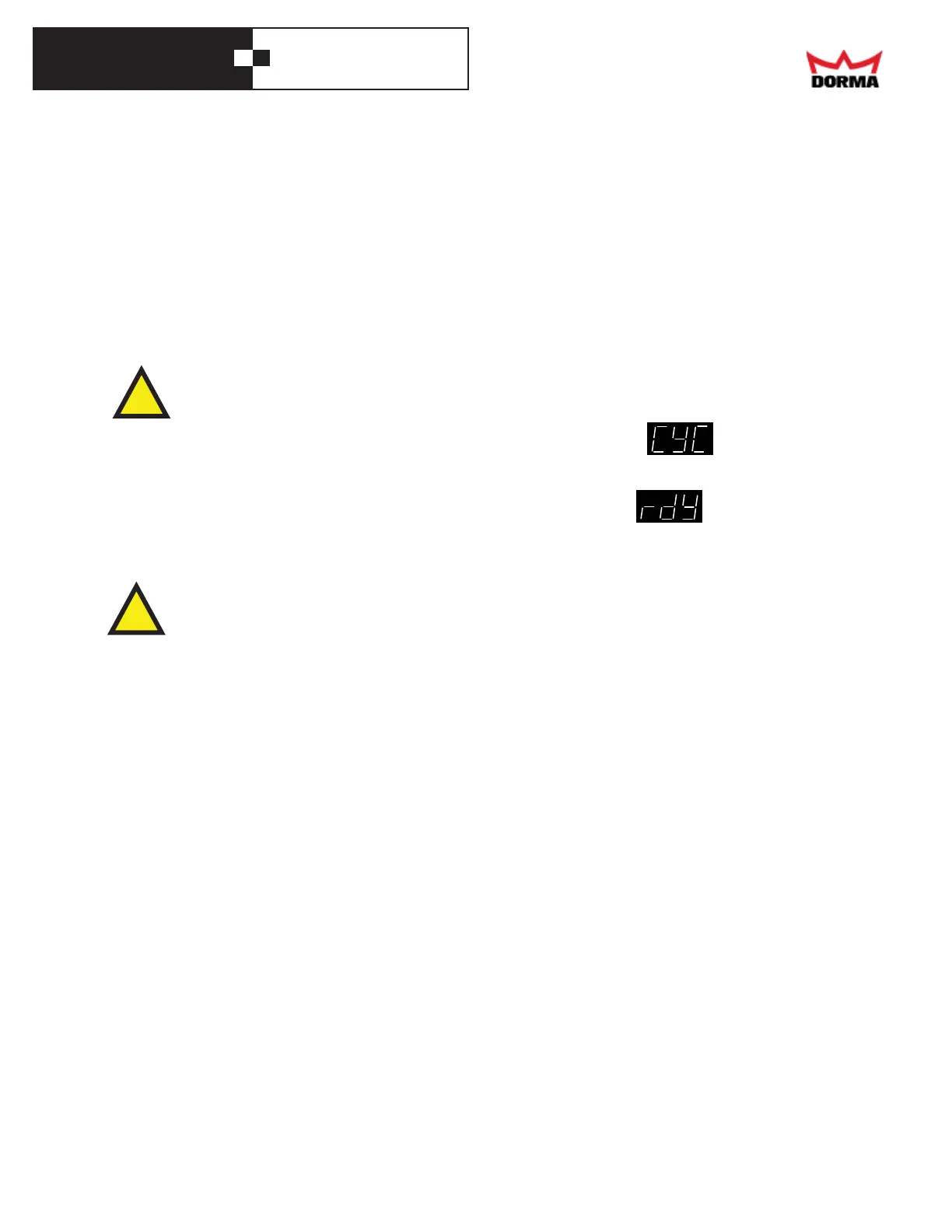
o The display will show "CyC", meaning that the opener
needs a cycle learn.
• The door will cycle open and closed at normal speed.
o Then the display will show "Rdy", meaning that it no
longer needs a cycle learn and it is ready.
o The door will continue cycling open and close, non-stop, until you place the
Program Switch in the Off position.
Note that the opener hasreduced obstacle detection while learning: do not interfere
with the door!
!
!



 To Next Page