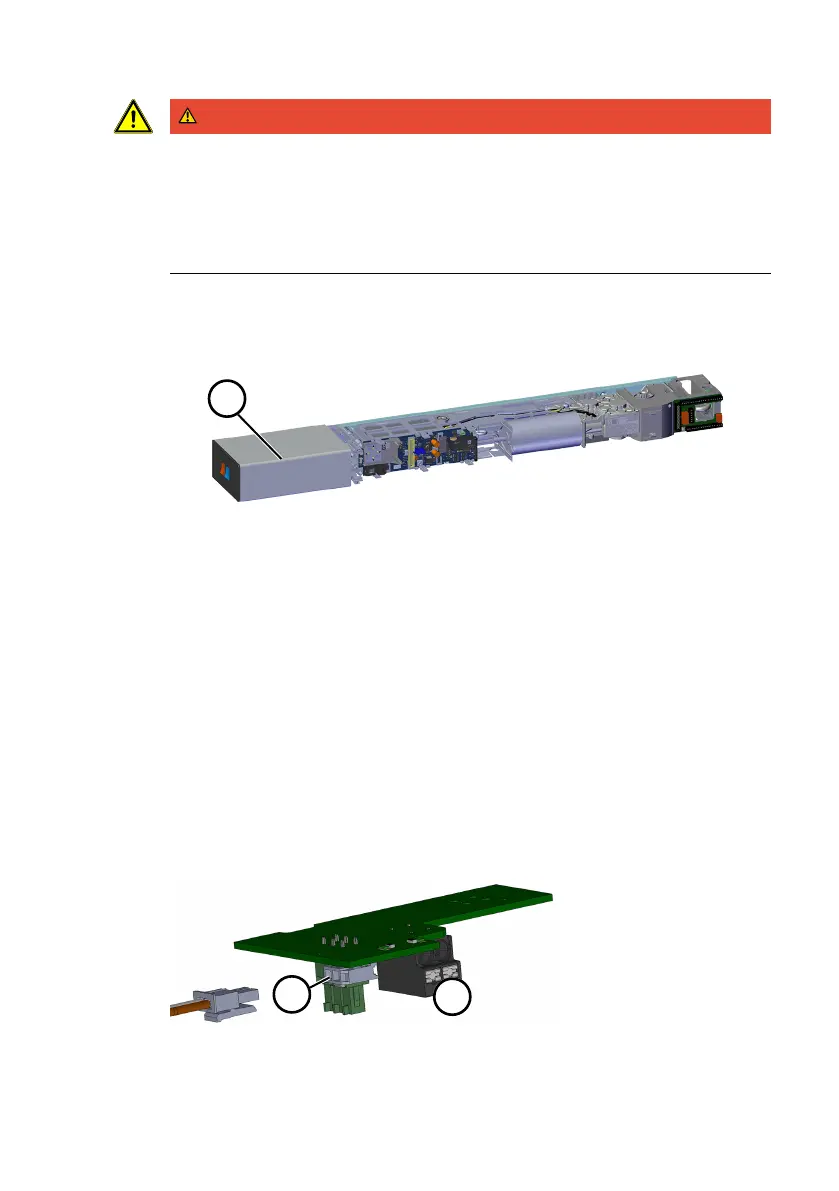
Assembly Instruction Electrical connection
060675 45532/17224 - 07/2023 ED UPS 11
DANGER
Danger of death due to door leaves
The ED UPS supplies the ED100/250 with voltage regardless of the power switch
setting. As a result, the ED100/250 can no longer be switched off.
• Prior to taking the next working step, check that there are no people or ob-
jects in the range of motion of the door leaves.
• Secure the range of motion of the door leaves.
12. Plug in the ED ribbon cable.
13. Mount the end cap of the ED100/250 on the outer end of the ED UPS.
14. Attach the casing cover (8) to the casing.
15. Mount the protective cover (7) on the ED UPS.
16. Mount the protective cover on ED100/250.
17. Mount the cut edge cover (6).
ð The ED UPS with ED-AMP is mounted.
5.2 Connecting ED-RBI (double-leaf operation)
ü ED-AMP is connected.
1. Release the ribbon cable on ED 100/250 Secondary.
2. Remove the green 3-pin power plug from the control board of ED 100/250.
3. Screw the red and black cable out of the connector.
In some ED 100/250, another blue line can be found in the connector next to
the red (+) and black (ground) cable.
The connector with the blue cable remains loosely suspended in front of the
board. From now on, it no longer functions.
4. Insert the red and black cable into the mains connection of the ED-RBI board
(13).
5. Establish the line connection (12) between the ED-AMP board (ED 100/250
Primary) and the ED RBI board (ED 100/250 Secondary).











 To Next Page