1
2
3
4
5
6
7
EN
ES 200
76
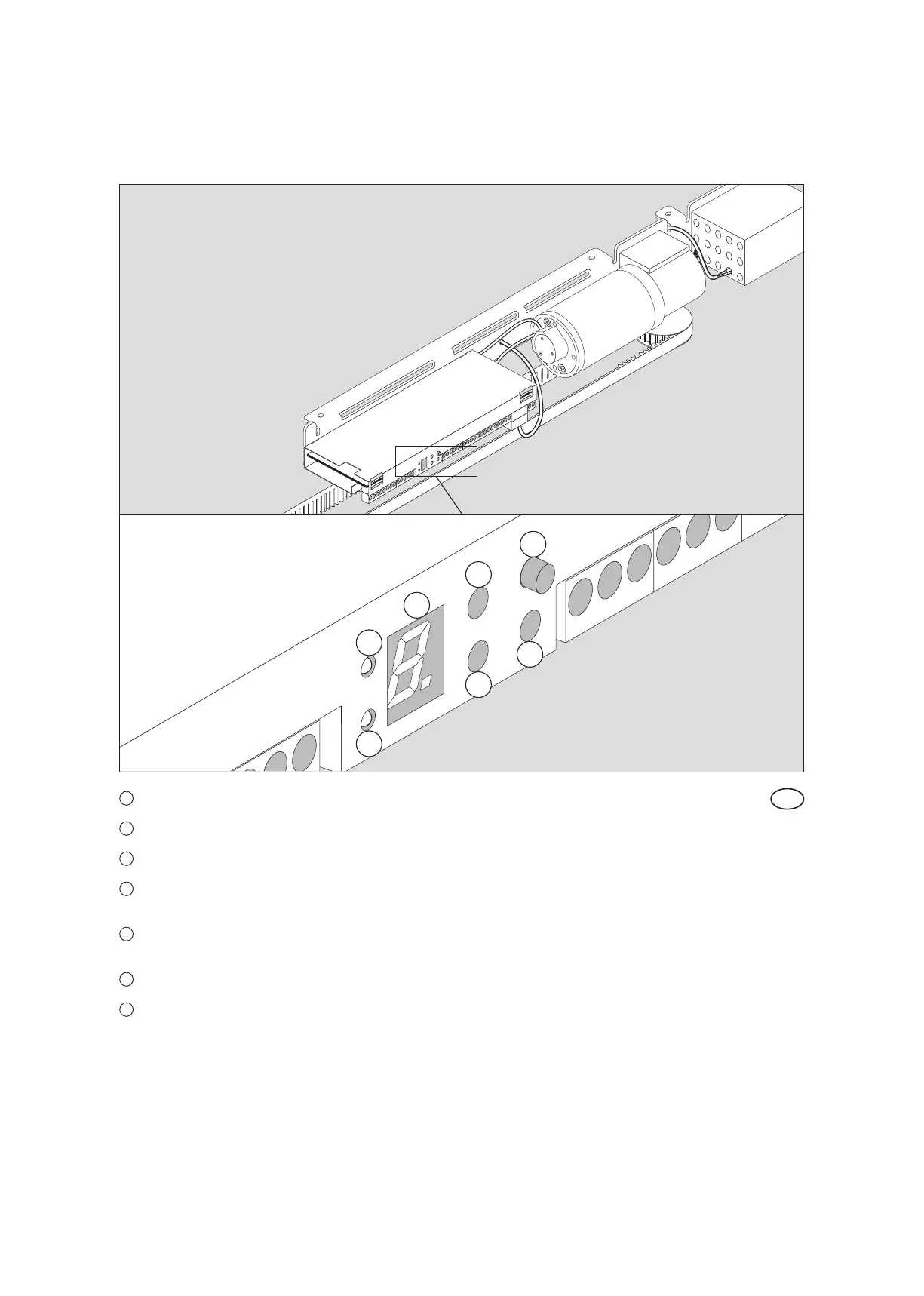
1
LED 1 Status information of safety sensor 1 (e.g. light barrier)
2
LED 2 Status information of safety sensor 2 (e.g. light barrier)
3
7-segment-display Display unit for indicating numbers and symbols
4
+
UP pushbutton to
increase the parameter or value indicated
5
-
DOWN pushbutton to
decrease the parameter or value indicated
6
SEL. SELECT Pushbutton for MENU control
7
SERV. Service Pushbutton to perform the functions of the service pushbutton
Control panel













 To Next Page