11PORTEO
2021-03WN 060008 45532
dormakaba Mounting instructions Commissioning
7. Press the Service button until the door
moves (approx. 3sec.)
‣ LED (green) 3sec. continuous light,
then flashes
→ The control unit determines and stores
the swing direction of the door during
this movement.
The door then moves to the “Door
closed” position.
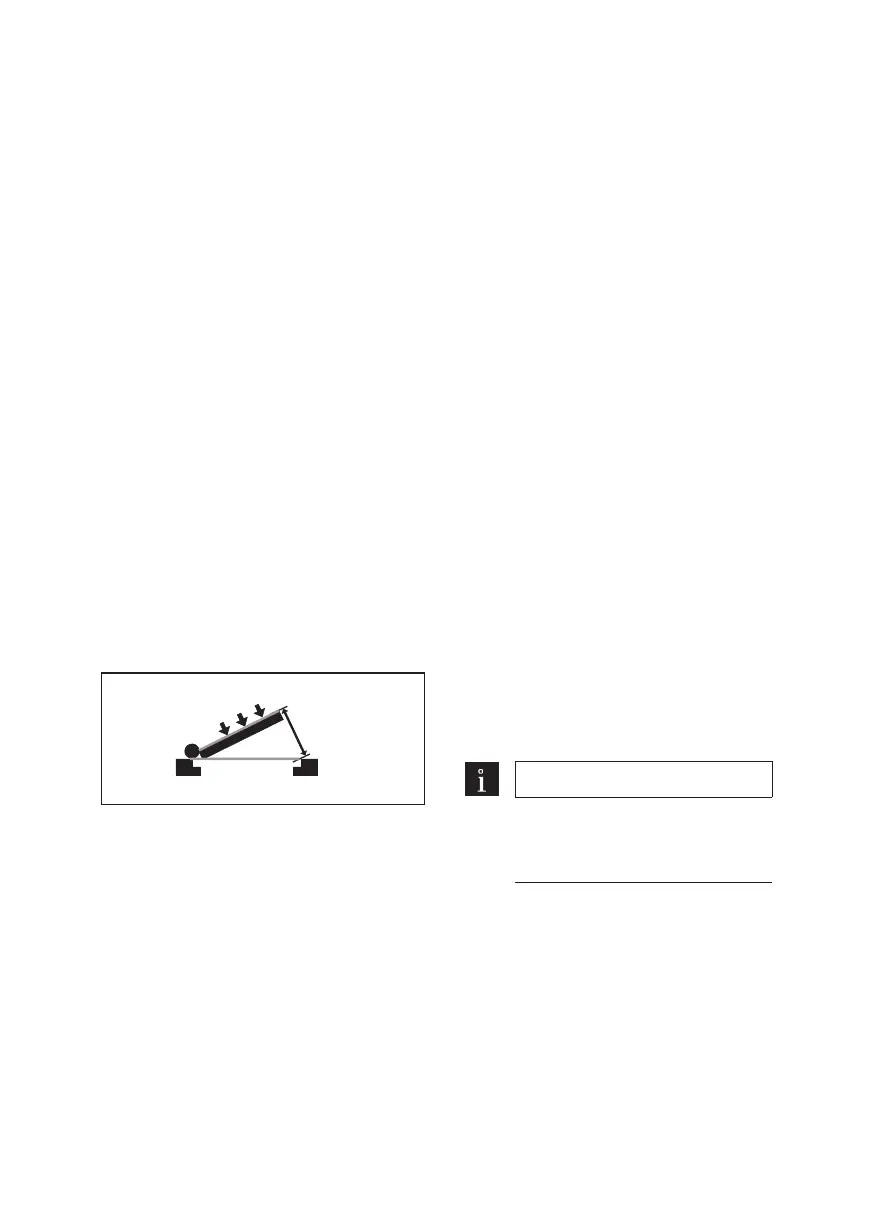
8. Teach-in the mounting type and arm
version:
Open door approx. 60°
‣ LED (green) flashes
9. Press the Service button once
‣ LED (green) 3sec. continuous light,
then flashes
→ During this procedure the control unit
determines and stores the mounting
type and the arm version.
10. Open the door 420 mm
‣ LED (green) flashes
11. Press the Service button once
‣ LED (green) 3sec. continuous light,
then flashes
→ During this procedure the control unit
determines and stores the door width.
12. Move door into the desired open
position (max. 110°)
13. Press the Service button once.
‣ LED (green) 3sec. continuous light,
then flashes
→ The control unit stores this position as
the “Door open” position.
→ After 10 seconds, the door closes at low
speed. The control unit starts an
automatic learning cycle. Following the
learning cycle, the door remains in the
“Door closed” position.
‣ LED (green) continuous light
→ PORTEO ready for operation.
5.4 Activate accessories on the
operator
Set DIP switch according to the connected
accessories.
Electric strike release
DIP switch A = ON (active)
Safety sensors opposite hinge side
DIP switch B = ON (test, active)
Safety sensors hinge side
DIP switch C = ON (test, active)
Safety sensor test
DIP switch D
ON =High test active
OFF =High test active
Note
When using testable safety
sensors, the DIP switch must be
switched to the “ON” position.
5.5 Briefing
After successfully setting, commissioning
and performing a function test on the door
unit, the operating instructions are to be
handed out to the facility operator and a
briefing shall take place.





 To Next Page