9PORTEO
2021-03WN 060008 45532
dormakaba Mounting instructions Commissioning
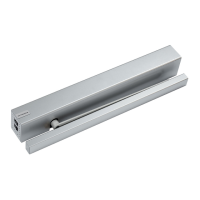
7 Attaching the operator
1. Mount the operator.
2. Route the cables through the duct
provided.
3. Insert and tighten the ferrules. Pull the
protective covers (silicone hoses) over
the cables.
4. Screw on the cable.
5. Establish further optional connections
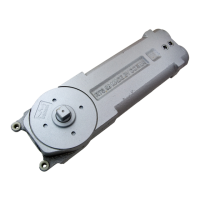
8 Mounting the lever on the
operator
9 Attaching the end caps
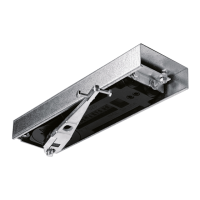
10 Connect lever with slide rail, or
mount scissor arm on door leaf.
4.5 Final installation steps
11
1. If necessary, break off the cable grands
at the end caps. When using the power
cable, prepare the end cap.
2. Fit the dormakaba logo on the end cap.
3. Mount the end cap.
4. Position the cover plate on the switch
side. Switch the power switch to the
“Off” position and program switch to
“0” position.
5. Place the end caps on the slide rail.
6. Adjust the potentiometer and execute
commissioning. See 3.6
7. After completing commissioning, mount
the end cap
5 Commissioning
The commissioning procedure can be
interrupted at any time by switching off the
PORTEO and restarting it.
The stored values are overwritten by a new
commissioning procedure.
Note
The control unit selects the
appropriate travel speed when
determining the door width and
door weight.
Due to system tolerances,
following commissioning the
actual speeds need to be
checked and, if necessary,
accordingly changed to meet
local standards and regulations.
5.1 Requirements for
commissioning
• The safety sensors have been connected.
• The buttons and electric strike release are
mounted.
• Door leaves are smooth-running.
• The operator unit and door leaves are
correctly connected.
5.2 Standard commissioning
Most interior doors are narrower than 1,000
mm and lighter than 60 kg. If the door
situation corresponds to the above-
mentioned basic values, the swing door
operator can be commissioned with
standard commissioning.
In case the basic values are not identical
with the basic settings, extended
commissioning must be performed.





 To Next Page