EasyManua.ls Logo

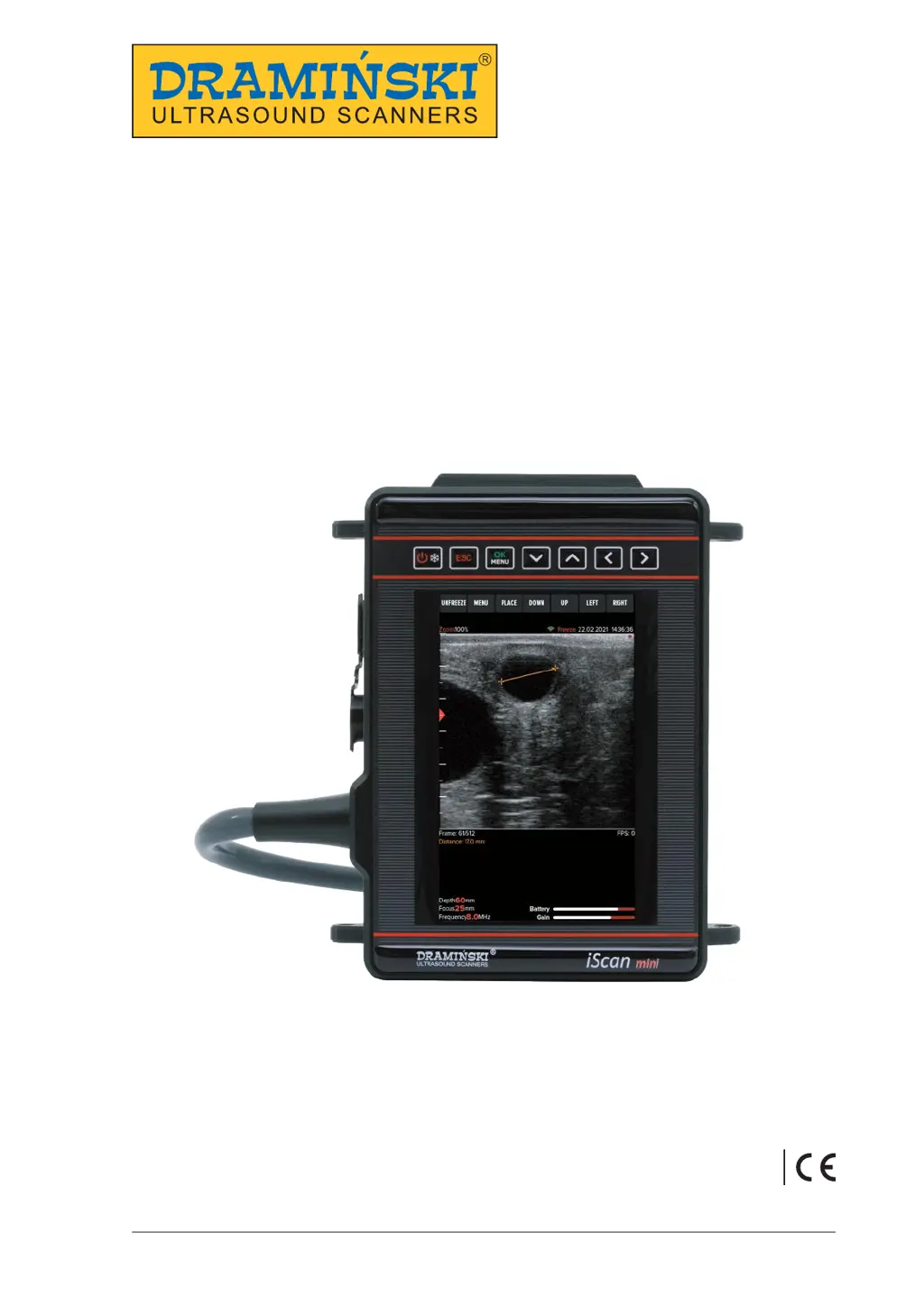
Draminski iScan mini - User Manual

Draminski iScan mini
36 pages
Print Icon
To Next Page IconTo Next Page
Loading...
www.draminski.com
USER GUIDE
DRAMIŃSKI
iScan mini
Veterinary Ultrasound Scanner
ISO 9001
1.1_18032021

Table of Contents

Questions and Answers

  • E
    Eric HicksAug 11, 2025
    How to fix Draminski iScan mini Scanner that does not turn on?
    • C
      Charles KhanAug 11, 2025
      If your Draminski Scanner device isn't turning on, first ensure the battery is correctly attached. If it is, check if the battery is adequately charged. If possible, test the device with another battery for iScan mini. Be aware that repeatedly trying to power on the scanner with a low battery can deeply discharge it and potentially cause damage.
  • J
    John MossAug 17, 2025
    What to do if the image is disturbed on Draminski iScan mini Scanner?
    • R
      Rebecca MckinneyAug 17, 2025
      If you observe a disturbed image on your Draminski Scanner, make sure the device isn't near any equipment emitting electromagnetic fields. Additionally, inspect the probe cable for any signs of mechanical damage.
  • E
    Emily FoxAug 23, 2025
    Why does the Draminski iScan mini Scanner battery work too short?
    • C
      charlescoleAug 23, 2025
      If the battery of your Draminski Scanner works for a shorter time than expected, it might be due to several reasons: the battery wasn't fully charged, the ambient temperature is too low, or the battery is simply worn out.
  • D
    Derrick BarkerAug 29, 2025
    How to adjust brightness on Draminski Scanner?
    • B
      Barbara MacdonaldAug 29, 2025
      If your Draminski Scanner image appears too bright or too dark, start by checking the brightness, gain, gamma, and MHz settings. If adjusting these doesn't resolve the issue, try restoring the device to its factory settings.
  • G
    George AtkinsonSep 4, 2025
    What to do if Draminski iScan mini battery charger has no charging indication?
    • A
      adkinsdennisSep 4, 2025
      If there's no charging indication on your Draminski Scanner battery charger, verify that the charger is properly connected to the mains. Also, check the power supply in the mains to ensure it's functioning correctly.

Draminski iScan mini Specifications

General IconGeneral
BrandDraminski
ModeliScan mini
CategoryScanner
LanguageEnglish