11
DRAMIŃSKI iScan mini – user guide
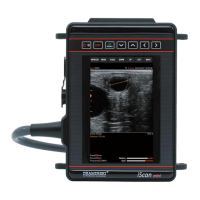
5.3. How to turn the ultrasound scanner on
In order to turn on the ultrasound scanner:
1. Attach the battery.
2. Press and hold the On / O button until the DRAMIŃSKI ULTRASOUND SCANNERS logo appears on the
screen.
3. Wait about 20 seconds. When the image from the probe appears on the screen, the scanner is ready for
work.


 To Next Page