15
DRAMIŃSKI iScan mini – user guide
8. Menu structure of the ultrasound scanner
In order to open the Menu, press OK.
In order to leave the Menu, press ESC.
When you select certain functions, a tip is displayed on the screen which explains how to change their settings.
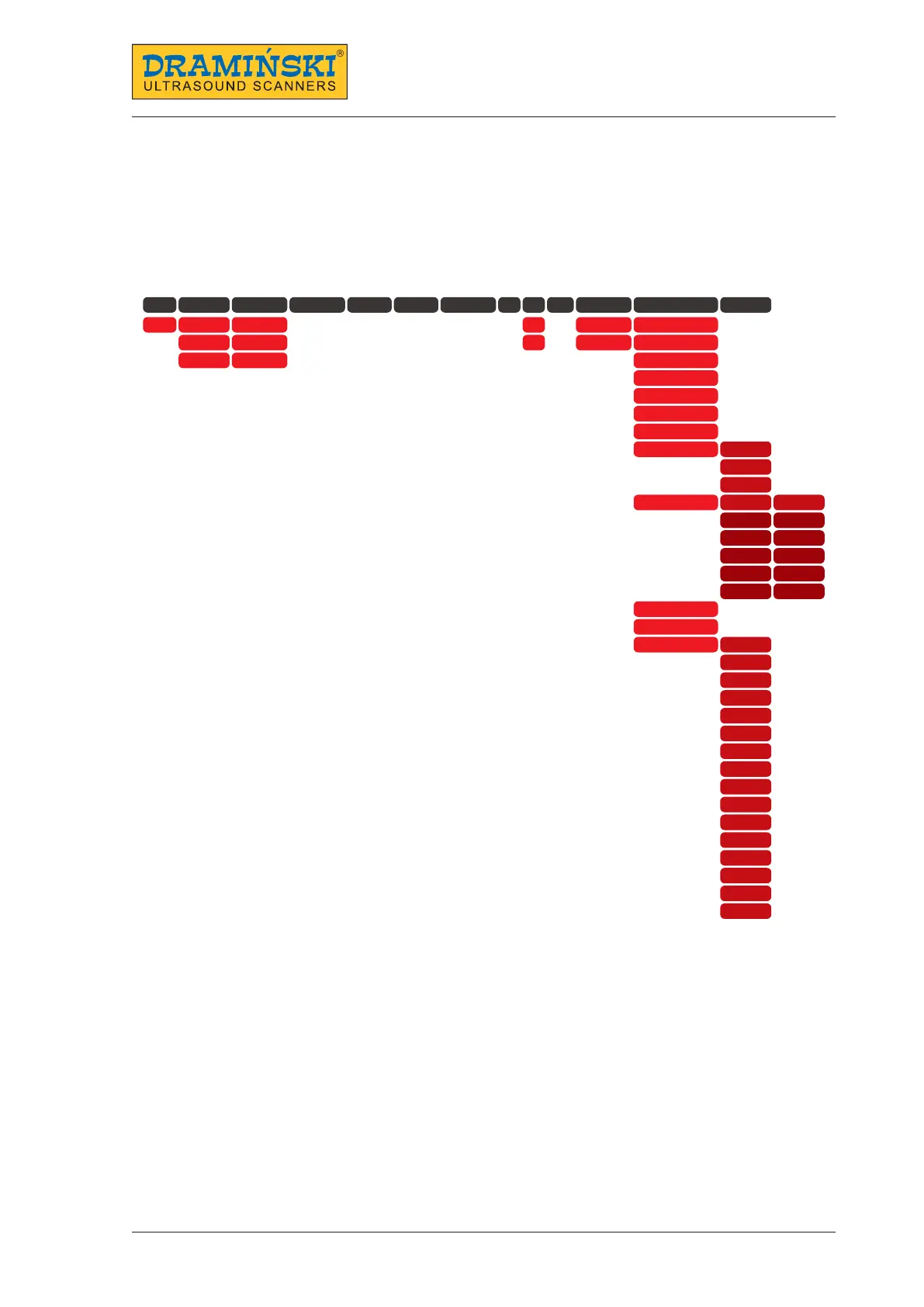
The graphics below presents the menu structure:
Preset
Measurements
Database Frequency Gamma Dynamics Gain TGC Mode Zoom Display
Settings
Help
New Distance Save image B Screen
Averaging
Area
Follicle
Save cine
Review
B+B Goggle
LuciD
Line density
L-P
G-D
Rotate 90°
Rotate 180°
Network
Turn off
WiFi
AP
Personalisation
Scanning
left
right
down
up
ESC
Afrikaans
中國人
English
Dansk
Français
Deutsche
Indonesia
Italiano
한국어
Polski
Русский
Slovenščina
Español
Svenska
ไทย
Türk
left
right
down
up
ESC
Frozen
Display brightness
Date and time
Language


 To Next Page