Vigor2920 Series User’s Guide
169
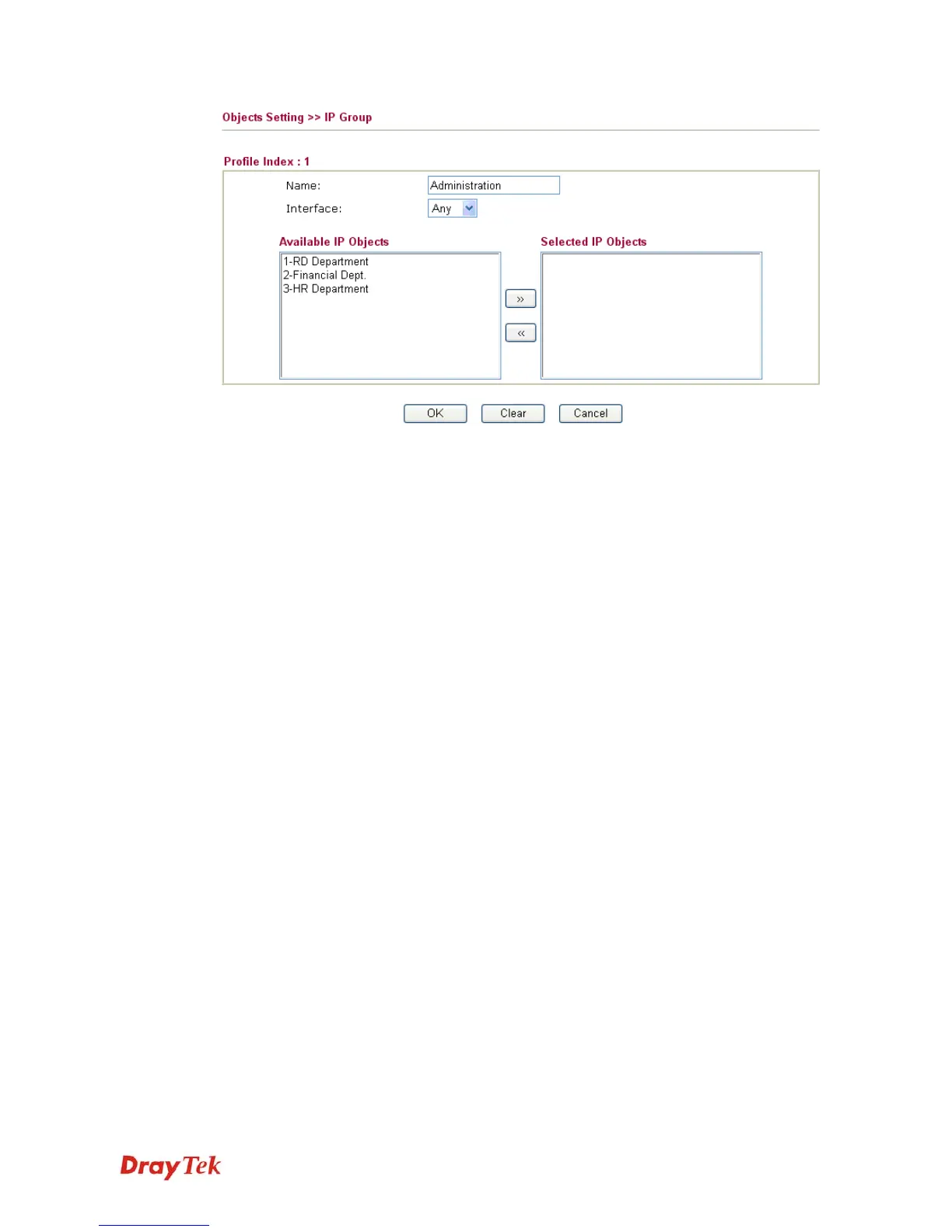
Name
Type a name for this profile. Maximum 15 characters are
allowed.
Interface
Choose WAN, LAN or Any to display all the available IP
objects with the specified interface.
Available IP Objects
All the available IP objects with the specified interface chosen
above will be shown in this box.
Selected IP Objects
Click >> button to add the selected IP objects in this box.














 To Next Page