Vigor2920 Series User’s Guide
319
5
5
.
.
5
5
U
U
p
p
g
g
r
r
a
a
d
d
e
e
F
F
i
i
r
r
m
m
w
w
a
a
r
r
e
e
f
f
o
o
r
r
Y
Y
o
o
u
u
r
r
R
R
o
o
u
u
t
t
e
e
r
r
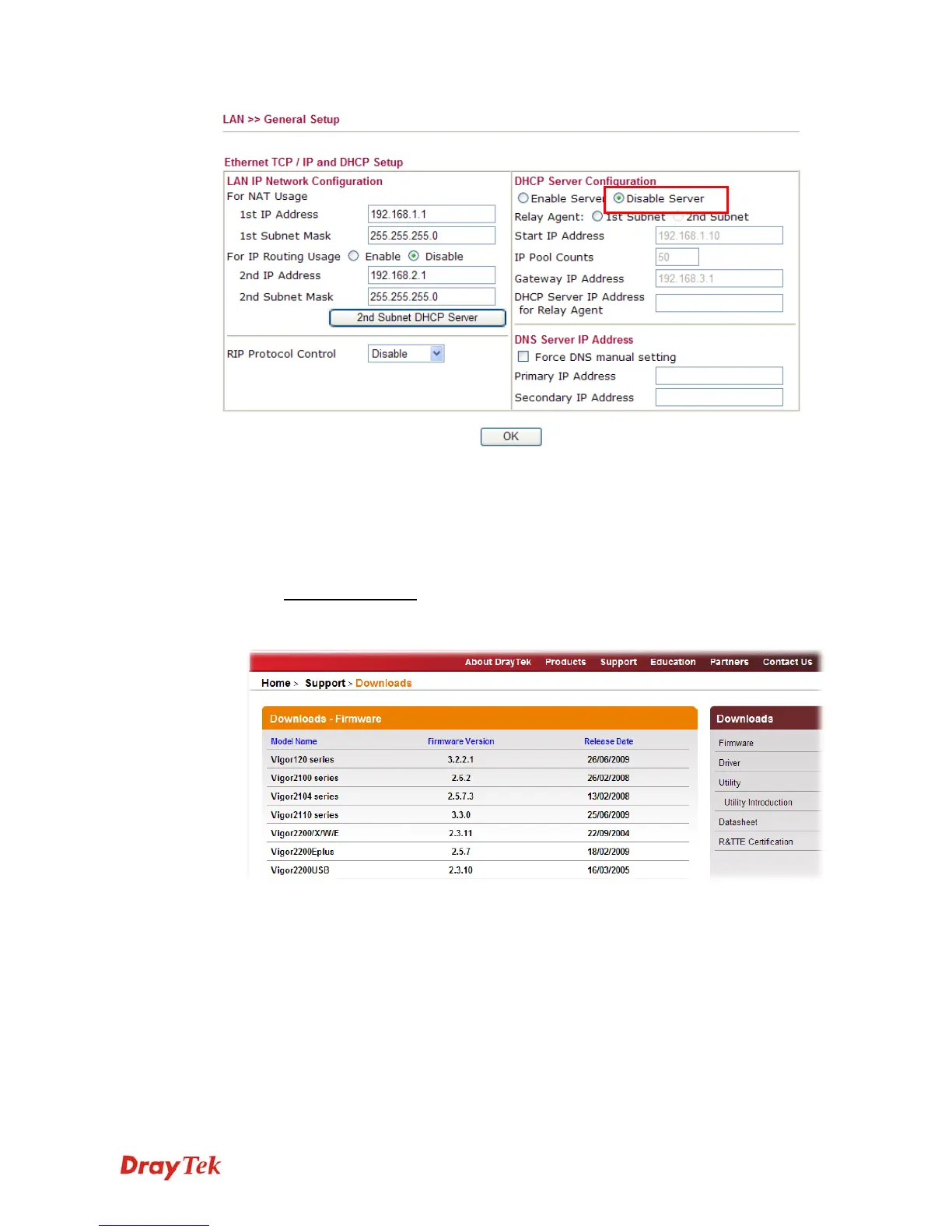
Before upgrading your router firmware, you need to install the Router Tools. The Firmware
Upgrade Utility is included in the tools.
1. Go to www.DrayTek.com
.
2. Access into Support >> Downloads. Please find out Firmware menu and click it. Search
the model you have and click on it to download the newly update firmware for your router.














 To Next Page