Vigor2920 Series User’s Guide
293
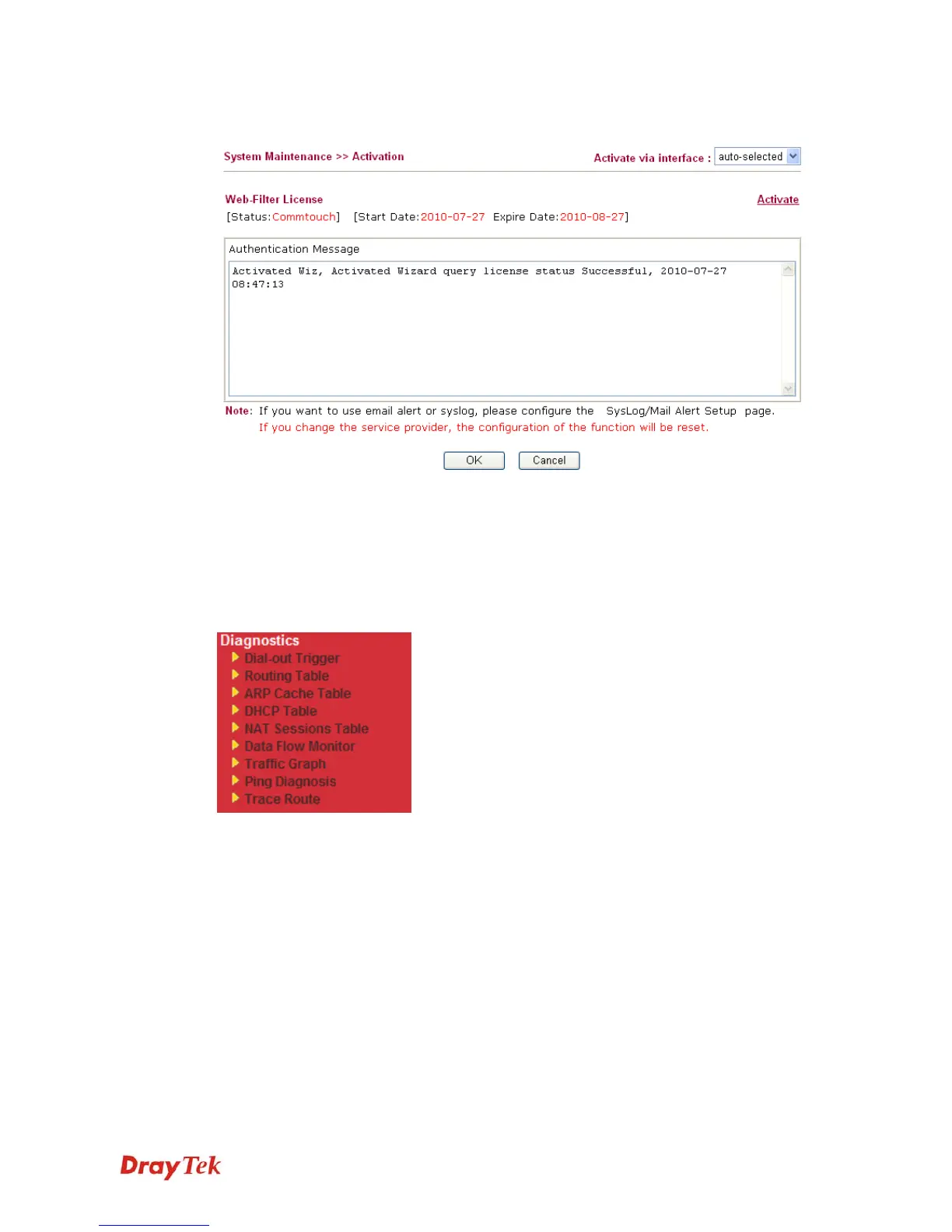
Below shows the successful activation of Web Content Filter:
4
4
.
.
1
1
6
6
D
D
i
i
a
a
g
g
n
n
o
o
s
s
t
t
i
i
c
c
s
s
Diagnostic Tools provide a useful way to view or diagnose the status of your Vigor router.
Below shows the menu items for Diagnostics.
4
4
.
.
1
1
6
6
.
.
1
1
D
D
i
i
a
a
l
l
-
-
o
o
u
u
t
t
T
T
r
r
i
i
g
g
g
g
e
e
r
r
Click Diagnostics and click Dial-out Trigger to open the web page. The internet connection
(e.g., PPPoE) is triggered by a package sending from the source IP address.














 To Next Page