Vigor2920 Series User’s Guide
284
4
4
.
.
1
1
5
5
.
.
4
4
U
U
s
s
e
e
r
r
P
P
a
a
s
s
s
s
w
w
o
o
r
r
d
d
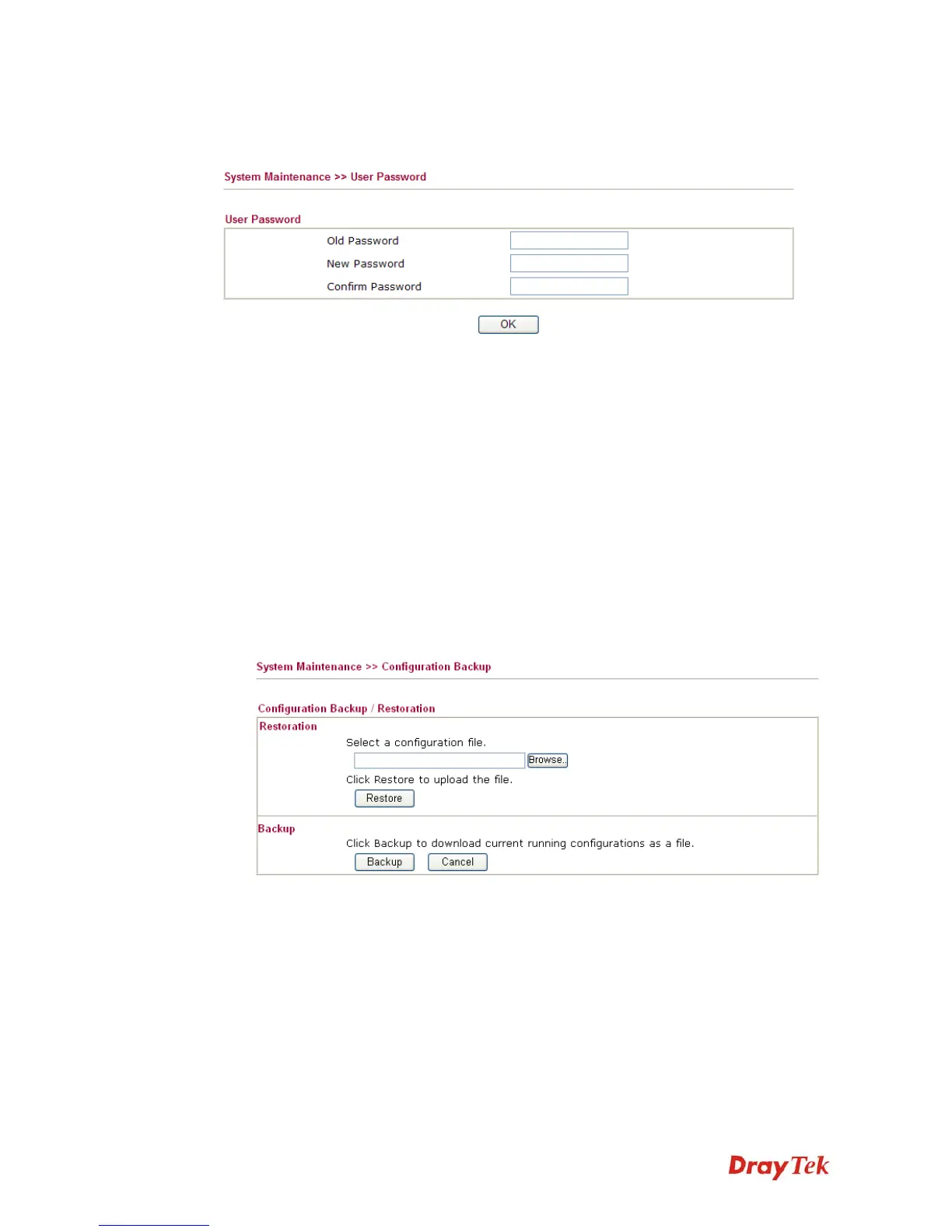
This page allows you to set new password for user operation.
Old Password
Type in the old password. The factory default setting for
password is blank.
New Password
Type in new password in this field.
Confirm Password
Type in the new password again.
When you click OK, the login window will appear. Please use the new password to access
into the web configurator again.
4
4
.
.
1
1
5
5
.
.
5
5
C
C
o
o
n
n
f
f
i
i
g
g
u
u
r
r
a
a
t
t
i
i
o
o
n
n
B
B
a
a
c
c
k
k
u
u
p
p
B
B
a
a
c
c
k
k
u
u
p
p
t
t
h
h
e
e
C
C
o
o
n
n
f
f
i
i
g
g
u
u
r
r
a
a
t
t
i
i
o
o
n
n
Follow the steps below to backup your configuration.
1. Go to System Maintenance >> Configuration Backup. The following windows will be
popped-up, as shown below.














 To Next Page