Vigor2920 Series User’s Guide
24
Click Finish. A page of Quick Start Wizard Setup OK!!! will appear. Then, the system
status of this protocol will be shown.
2
2
.
.
4
4
.
.
2
2
F
F
o
o
r
r
W
W
A
A
N
N
3
3
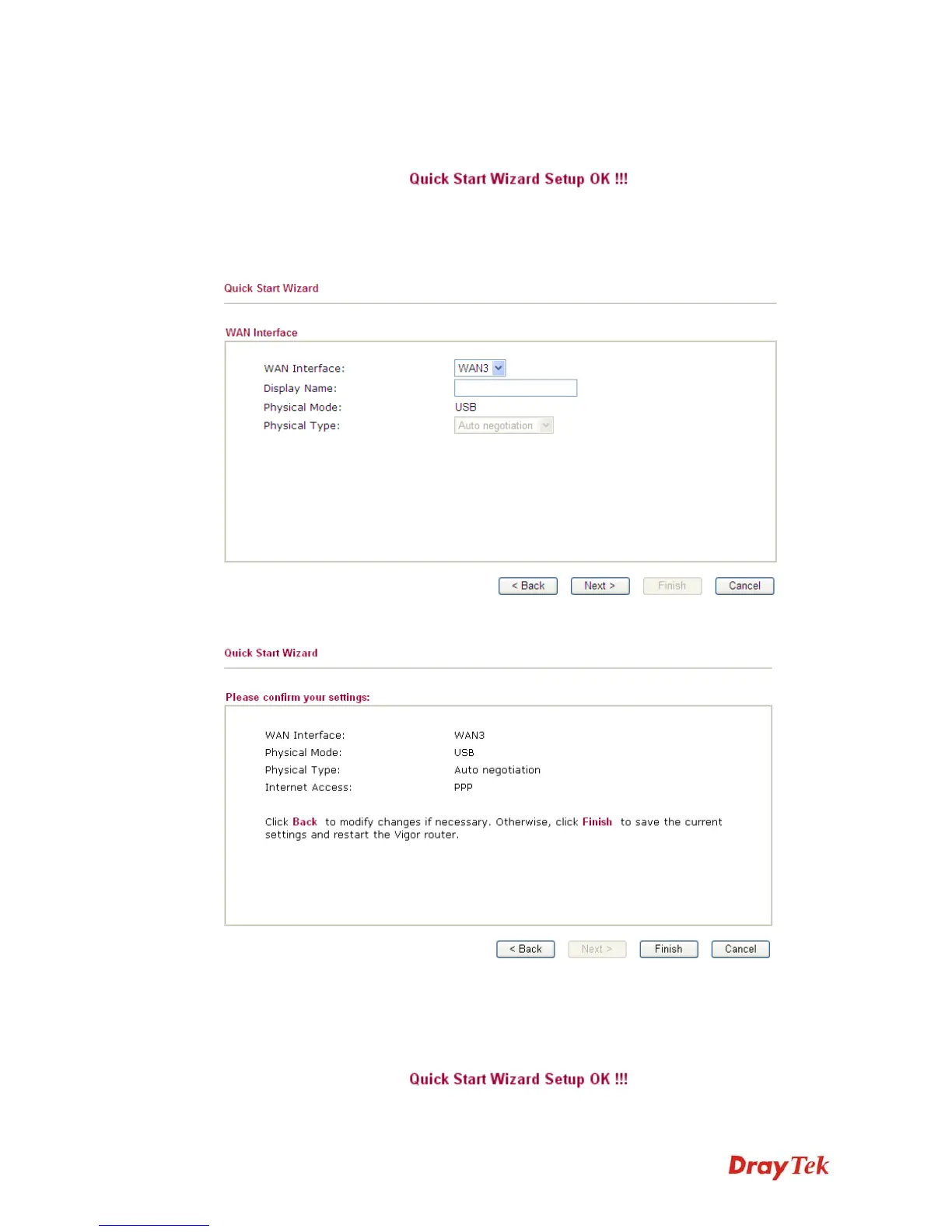
To use 3G USB modem for network connection, please choose WAN3.
Then, click Next to continue.
Click Finish. A page of Quick Start Wizard Setup OK!!! will appear. Then, the system
status of this protocol will be shown.














 To Next Page