Vigor2920 Series User’s Guide
168
Subnet Mask
Type the subnet mask if the Subnet Address type is selected.
Invert Selection
If it is checked, all the IP addresses except the ones listed
above will be applied later while it is chosen.
.
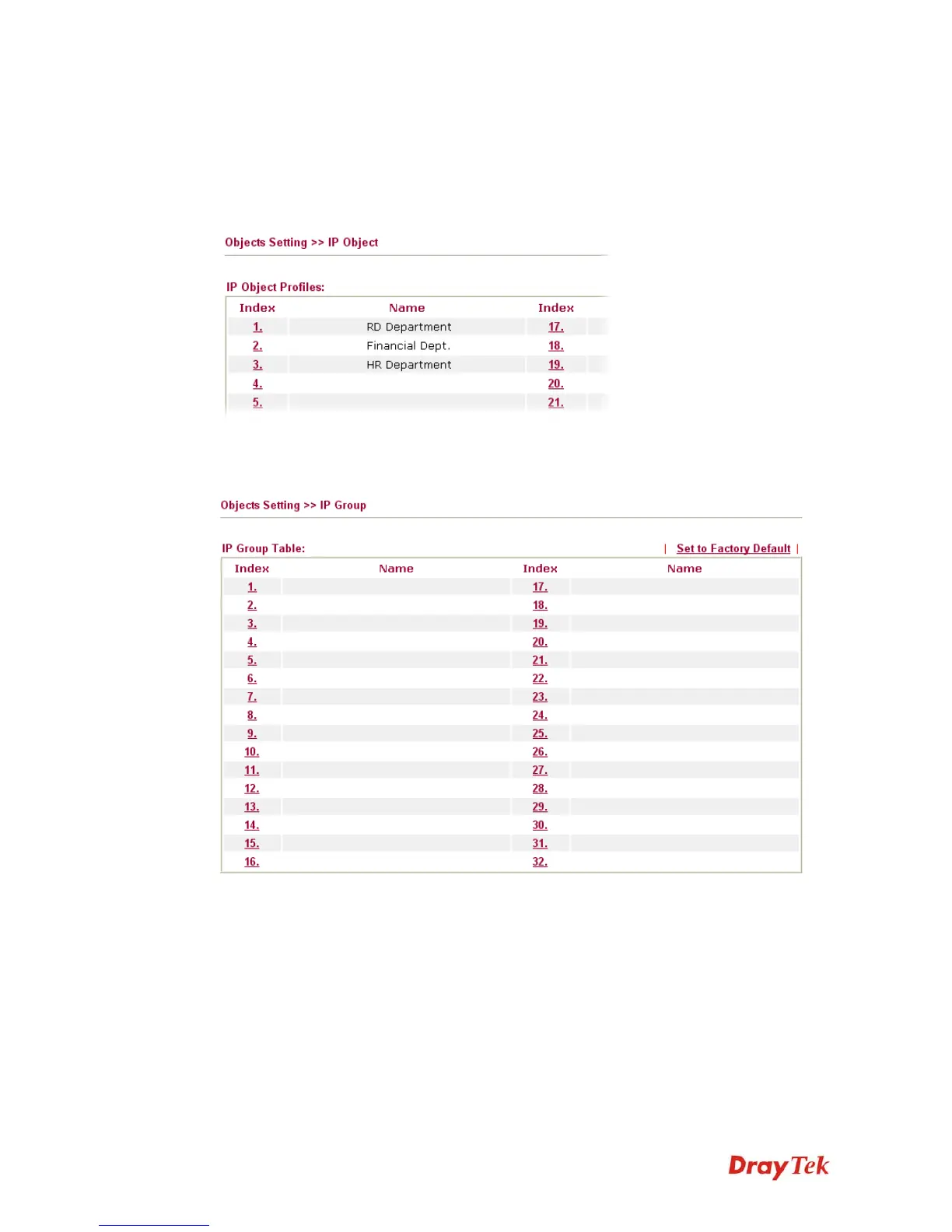
Below is an example of IP objects settings.
4
4
.
.
6
6
.
.
2
2
I
I
P
P
G
G
r
r
o
o
u
u
p
p
This page allows you to bind several IP objects into one IP group.
Set to Factory Default
Clear all profiles.
Click the number under Index column for settings in detail.














 To Next Page