Vigor2920 Series User’s Guide
232
Network Mask
configuration. You can modify the settings if required.
More
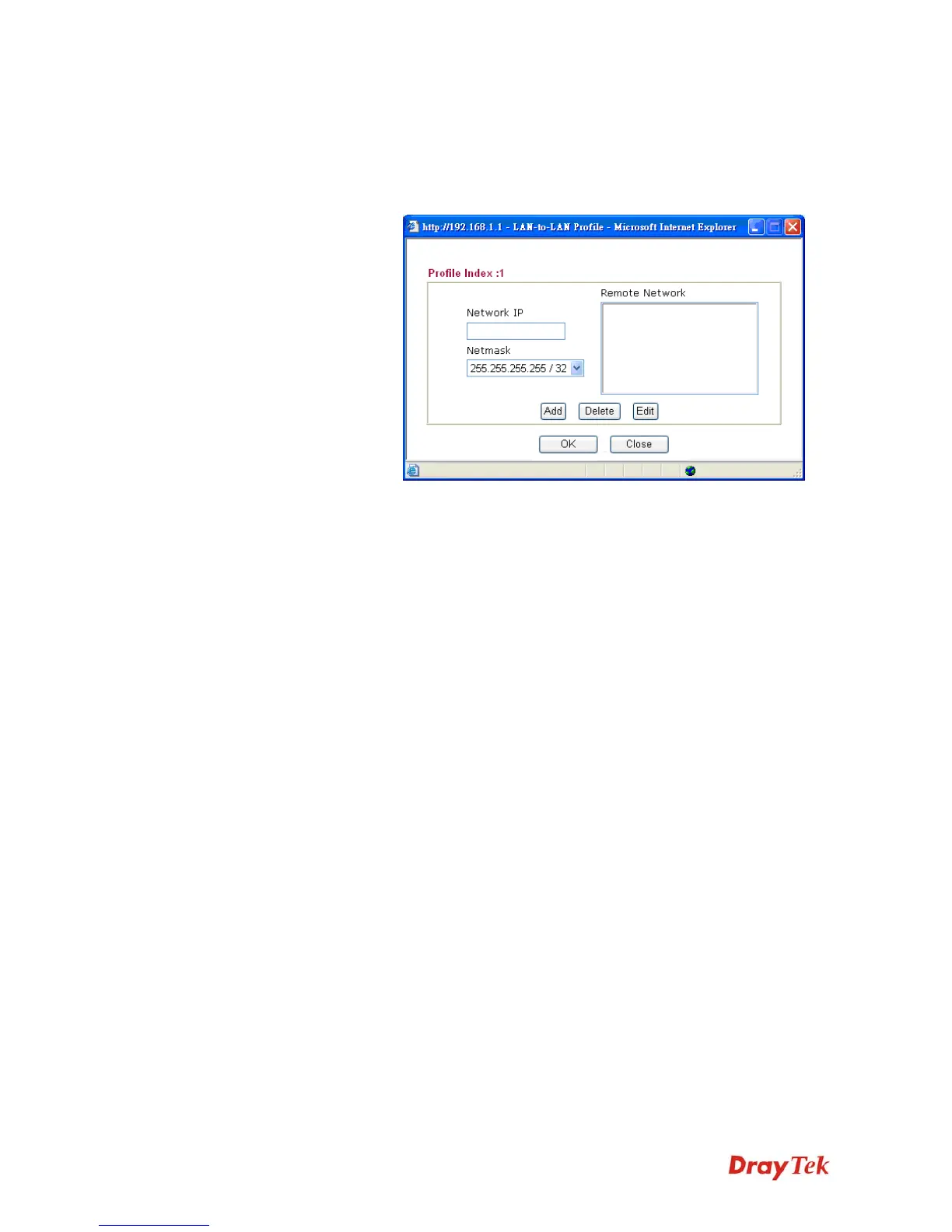
Add a static route to direct all traffic destined to more Remote
Network IP Addresses/ Remote Network Mask through the
VPN connection. This is usually used when you find there are
several subnets behind the remote VPN router.
RIP Direction
The option specifies the direction of RIP (Routing Information
Protocol) packets. You can enable/disable one of direction here.
Herein, we provide four options: TX/RX Both, TX Only, RX
Only, and Disable.
From first subnet to
remote network, you
have to do
If the remote network only allows you to dial in with single IP,
please choose NAT, otherwise choose Route.
Change default route to
this VPN tunnel
Check this box to change the default route with this VPN tunnel.














 To Next Page