VigorAP 710 User’s Guide
102
3
3
.
.
1
1
0
0
.
.
3
3
A
A
d
d
m
m
i
i
n
n
i
i
s
s
t
t
r
r
a
a
t
t
o
o
r
r
P
P
a
a
s
s
s
s
w
w
o
o
r
r
d
d
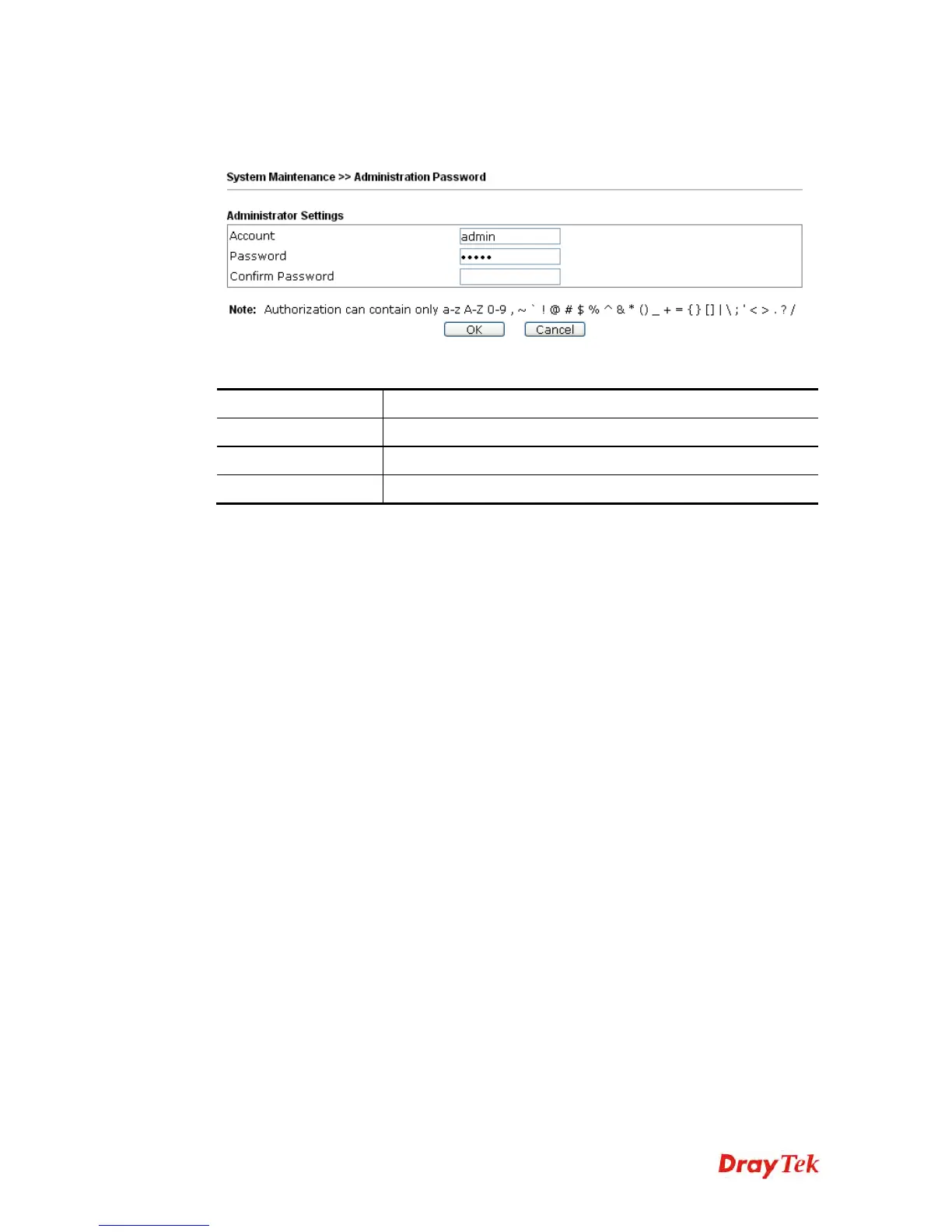
This page allows you to set new password.
Available settings are explained as follows:
Item Description
Account
Type the name for accessing into Web User Interface.
Password
Type in new password in this filed.
Confirm Password
Type the new password again for confirmation.
When you click OK, the login window will appear. Please use the new password to access
into the web user interface again.












 To Next Page