VigorAP 710 User’s Guide
50
Available settings are explained as follows:
Item Description
Enable Wireless LAN
Check the box to enable wireless function.
Mode
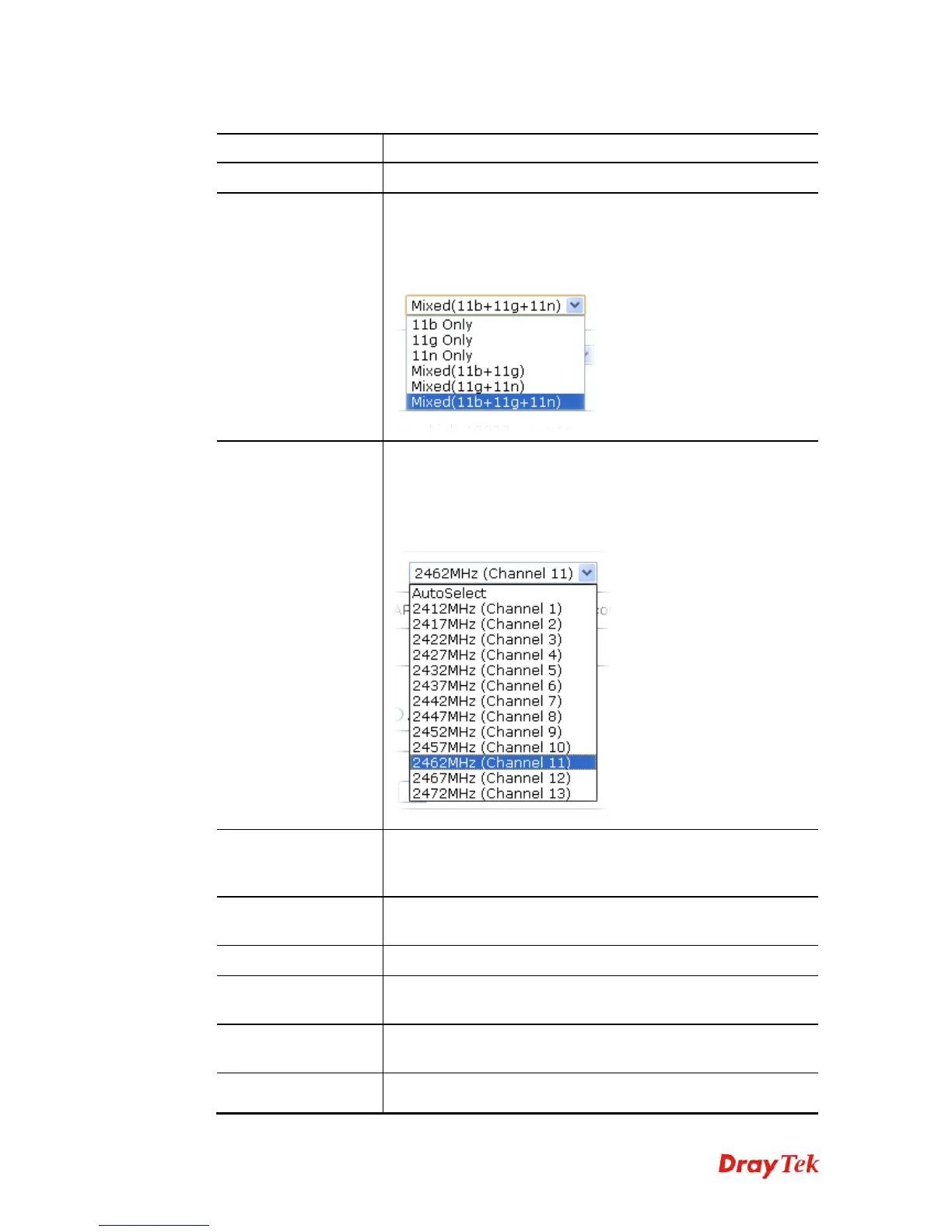
At present, VigorAP 710 can connect to 11b only, 11g only, 11n
only, Mixed (11b+11g), Mixed (11g+11n) and Mixed
(11b+11g+11n) stations simultaneously. Simply choose Mixed
(11b+11g+11n) mode.
Channel
Means the channel of frequency of the wireless LAN. The
default channel is 11. You may switch channel if the selected
channel is under serious interference. If you have no idea of
choosing the frequency, please select AutoSelect to let system
determine for you.
Extension Channel
With 802.11n, there is one option to double the bandwidth per
channel. The available extension channel options will be varied
according to the Channel selected above.
Rate
If you choose 11g Only, 11b Only or 11n Only, such feature will
be available for you to set data transmission rate.
PHY Mode
Data will be transmitted via communication channel, HTMIX.
Security
Select WEP, TKIP or AES as the encryption algorithm. Type the
key number if required.
Peer MAC Address
Type the peer MAC address for the access point that VigorAP
710 connects to.
Packet-OVERDRIVE
This feature can enhance the performance in data transmission
about 40%* more (by checking Tx Burst). It is active only when












 To Next Page