VigorAP 710 User’s Guide
58
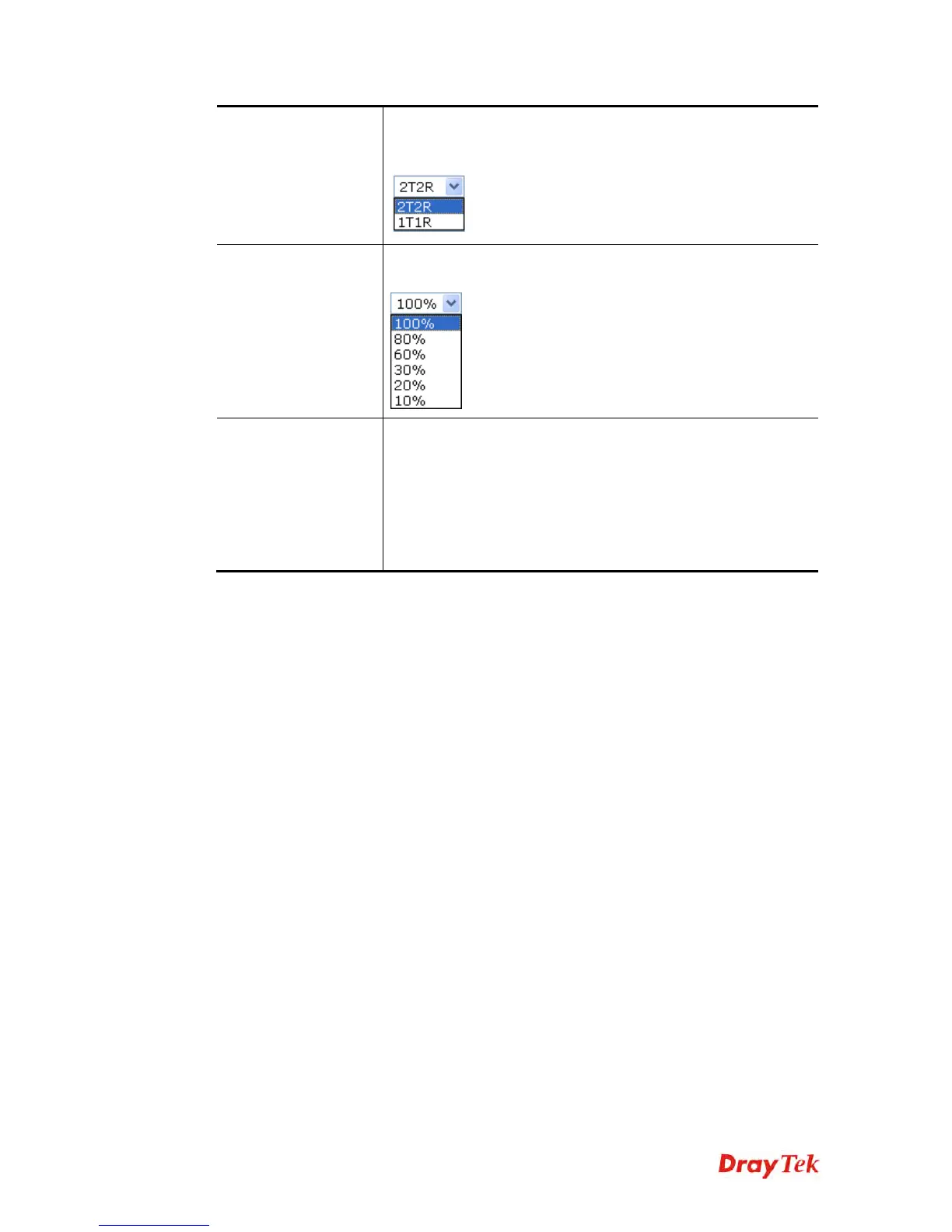
Antenna
VigorAP 710 can be attached with two antennas to have good
data transmission via wireless connection. However, if you have
only one antenna attached, please choose 1T1R.
Tx Power
The default setting is the maximum (100%). Lower down the
value may degrade range and throughput of wireless.
Channel Width
20 MHZ- the router will use 20Mhz for data transmission and
receiving between the AP and the stations.
40 MHZ- the router will use 40Mhz for data transmission and
receiving between the AP and the stations.
Auto 20/40 MHZ– the router will use 20Mhz or 40Mhz for data
transmission and receiving according to the station capability.
Such channel can increase the performance for data transit.
After finishing this web page configuration, please click OK to save the settings.












 To Next Page