VigorAP 810 User’s Guide
66
3
3
.
.
7
7
W
W
i
i
r
r
e
e
l
l
e
e
s
s
s
s
L
L
A
A
N
N
S
S
e
e
t
t
t
t
i
i
n
n
g
g
s
s
f
f
o
o
r
r
A
A
P
P
B
B
r
r
i
i
d
d
g
g
e
e
-
-
W
W
D
D
S
S
M
M
o
o
d
d
e
e
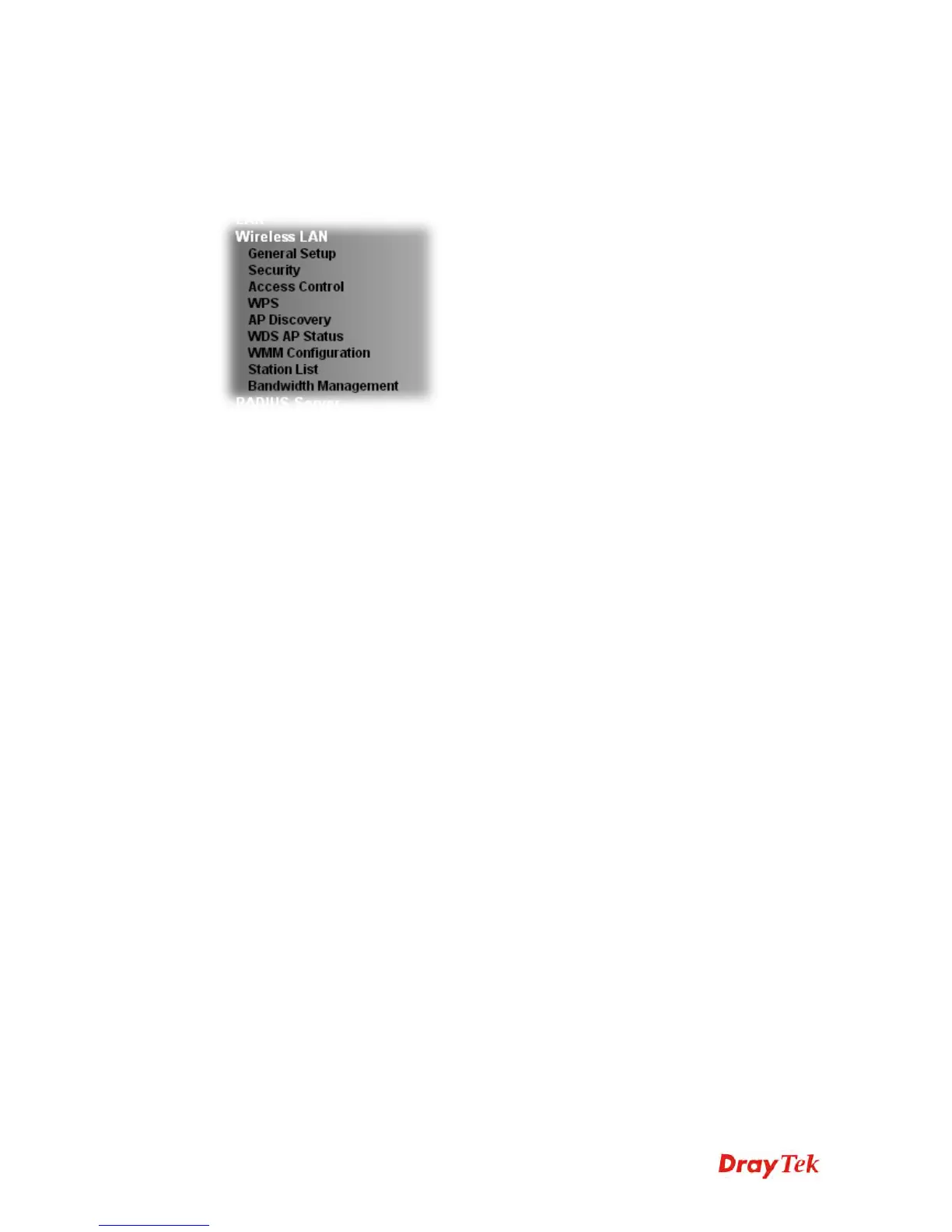
When you choose AP Bridge-WDS as the operation mode, the Wireless LAN menu items
will include General Setup, Security, Access Control, WPS, AP Discovery, Station List,
Bandwidth Management and Roaming.
3
3
.
.
7
7
.
.
1
1
G
G
e
e
n
n
e
e
r
r
a
a
l
l
S
S
e
e
t
t
u
u
p
p
By clicking the General Setup, a new web page will appear so that you could configure the
Phy mode, security, Tx Burst and choose proper mode. Please refer to the following figure
for more information.












 To Next Page