VigorAP 810 User’s Guide
83
3
3
.
.
8
8
W
W
i
i
r
r
e
e
l
l
e
e
s
s
s
s
L
L
A
A
N
N
S
S
e
e
t
t
t
t
i
i
n
n
g
g
s
s
f
f
o
o
r
r
U
U
n
n
i
i
v
v
e
e
r
r
s
s
a
a
l
l
R
R
e
e
p
p
e
e
a
a
t
t
e
e
r
r
M
M
o
o
d
d
e
e
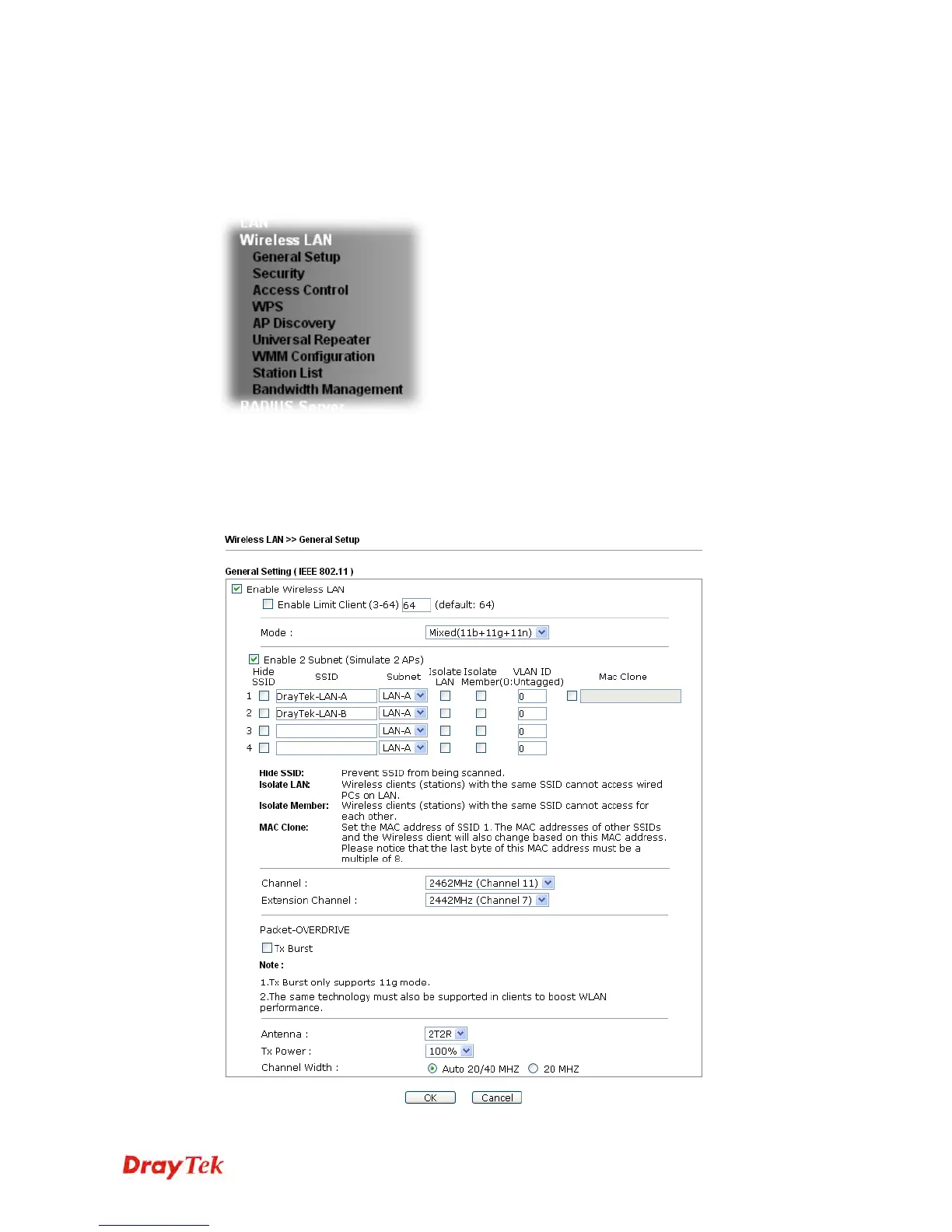
When you choose Universal Repeater as the operation mode, the Wireless LAN menu items
will include General Setup, Security, WPS, AP Discovery, Universal Repeater and Station
List.
3
3
.
.
8
8
.
.
1
1
G
G
e
e
n
n
e
e
r
r
a
a
l
l
S
S
e
e
t
t
u
u
p
p
By clicking the General Setup, a new web page will appear so that you could configure the
SSID and the wireless channel.
Please refer to the following figure for more information.












 To Next Page