VigorAP 810 User’s Guide
104
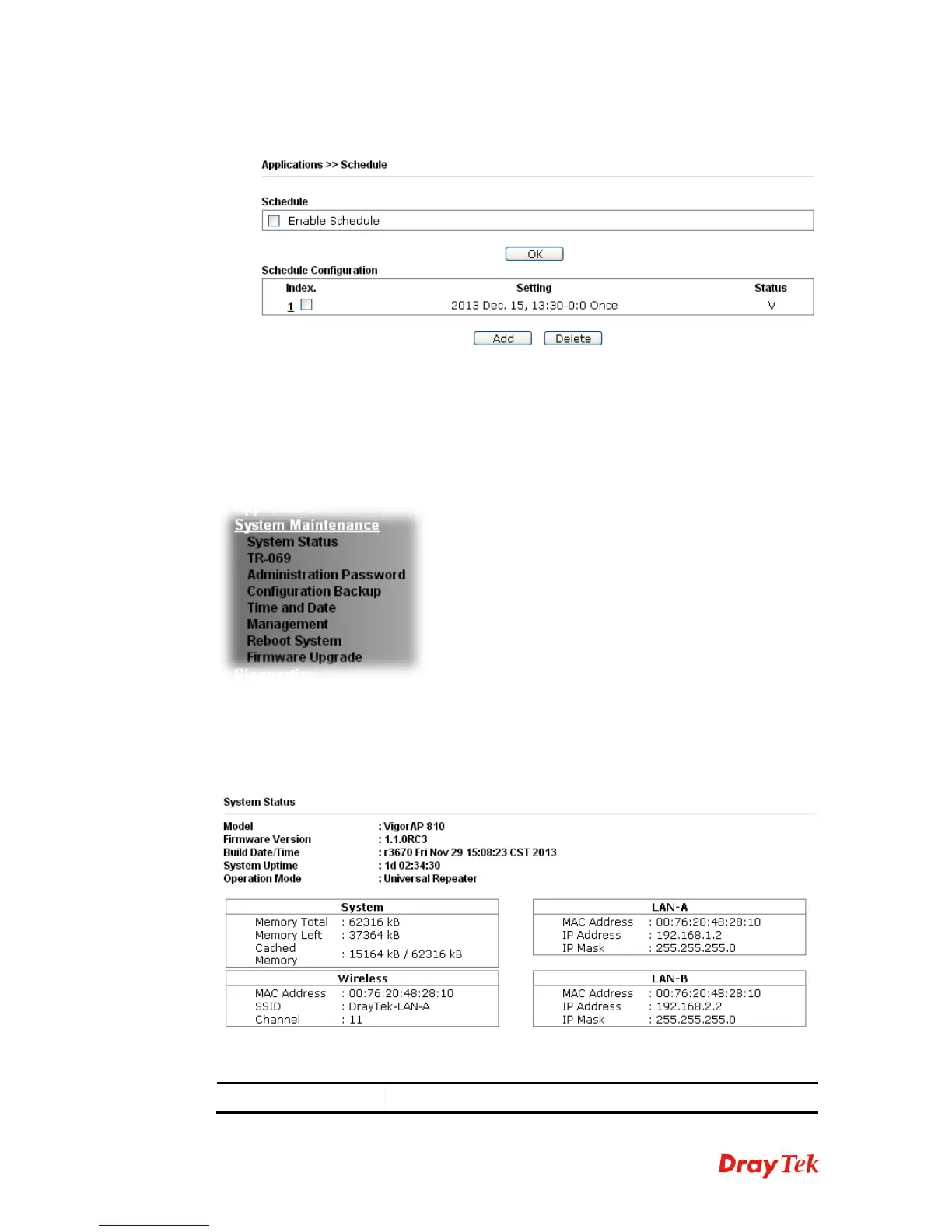
3. After finishing this web page configuration, please click OK to save the settings. A
new schedule profile has been created and displayed on the screen.
3
3
.
.
1
1
1
1
S
S
y
y
s
s
t
t
e
e
m
m
M
M
a
a
i
i
n
n
t
t
e
e
n
n
a
a
n
n
c
c
e
e
For the system setup, there are several items that you have to know the way of configuration:
Status, TR-069, Administrator Password, Configuration Backup, Reboot System, Firmware
Upgrade.
Below shows the menu items for System Maintenance.
3
3
.
.
1
1
1
1
.
.
1
1
S
S
y
y
s
s
t
t
e
e
m
m
S
S
t
t
a
a
t
t
u
u
s
s
The System Status provides basic network settings of Vigor modem. It includes LAN and
WAN interface information. Also, you could get the current running firmware version or
firmware related information from this presentation.
Each item is explained as follows:
Item Description












 To Next Page