33 EN
7.8.6 Patrol
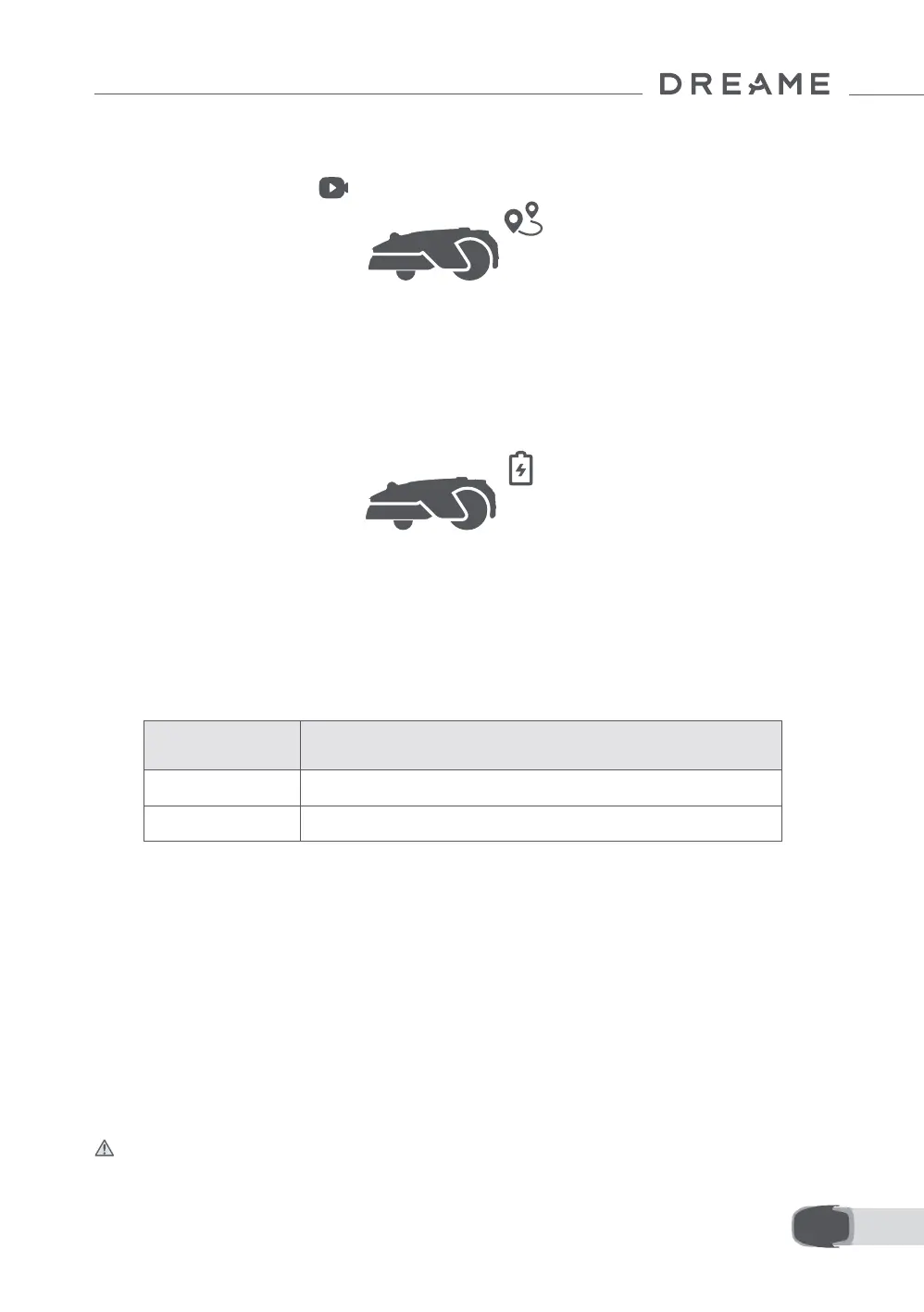
While the robot is on standby, you can send it to patrol specic boundaries or spots in your garden via the
app. To access this feature, go to > Patrol.
7.9 Custom Charging Period
To customise the robot's charging period to specic hours, you can enable the Custom Charging Period
function through Settings > Charging in the app. When activated, the robot will charge itself to 20% when
the battery level is low, provided there are no mowing tasks. It will complete a full charge only during the
designated charging period. You can also customise the Battery Level for Auto-Recharge and Battery
Level for Resuming Tasks to set the battery levels at which the robot will automatically return to the
charging station or resume unnished mowing tasks.
Note: Dreame development team will continuously conduct OTA (Over-the-Air) updates and maintenance
on the rmware and app. Please check for update notications or enable the Auto-update function to keep
the rmware and app up-to-date and enjoy more features.
8 Maintenance
For better performance and lifespan of the robot, please clean it regularly and replace worn parts according
to the frequency below:
Note: You can check the remaining time for blades and the cleaning brush by navigating to Settings >
Consumables & Maintenance in the app. After replacing any consumables as prompted, go to the details
page for the consumable and tap I've Replaced It to reset the timer.
Note: If you have designated areas in your garden for routine robot cleaning and servicing, you can set
Maintenance Points on the map by navigating to Settings > Head to Maintenance Point > Edit Point. Once
the maintenance points are set, you can simply tap Go and direct the robot to the designated locations for
easy servicing.
Regularly clean your robot to prevent grass clippings and dirt from accumulating and clogging the blade
disc and drive wheels, which can aect its mowing, docking, and movement performance. We recommend
using a cleaning kit, available at local stores or online.
8.1 Cleaning
Warning: Before cleaning, please turn o the robot and unplug the charging station.
Caution: Please make sure LiDAR protective cover is on the LiDAR before turning the robot upside down to
avoid damages to the LiDAR.
Part Replacement Frequency
Blades Every 6–8 weeks or sooner
Cleaning brush Every 12 months or sooner


 To Next Page