22EN
Before mapping, please check the following:
• The battery level of the robot is more than 50%.
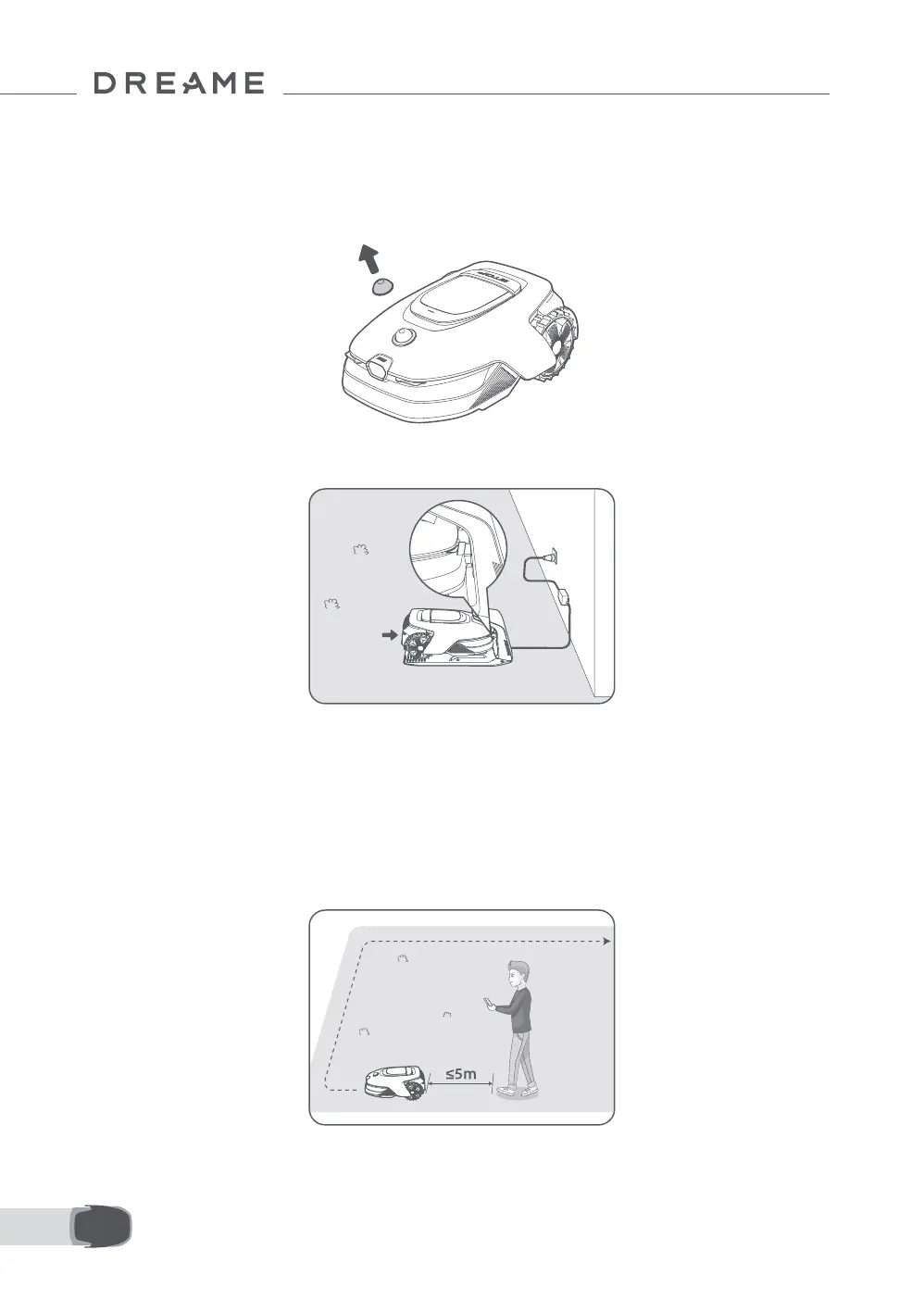
• The protective cover of the LiDAR is removed.
5 Map Your Garden
• The top cover is closed.
• The robot correctly docks in the charging station.
Before starting the mapping process, please keep the following in mind:
Important: Do not manually move the robot when creating the boundary, as this may cause the mapping to
fail.
Important: When the mapping begins, do not remotely dock the robot in the charging station until the
mapping process is complete. Otherwise, the LiDAR may be blocked, which can cause the mapping to fail.
• Walk within 5 m behind the robot during the mapping process.
5.1 Create the Virtual Boundary


 To Next Page