37 EN
9 Battery
Low-Power Charging Mode:
When the low-power charging mode is activated, functions unrelated to charging will be disabled (the display
and network will be turned o).
• To enable low-power charging mode, press and hold the button and the button simultaneously, and
press the button 5 times quickly at the same time. You will hear a voice prompt: Low-power charging mode
is on.
• To disable low-power charging mode, restart the robot or press the button 5 times quickly.
For long-term storage, charge the robot every 6 months to protect the battery. Battery damage caused by
over-discharge is not covered by the limited warranty. Do not charge the battery at an ambient temperature
above 45° C or below 6° C. The long-term storage temperature for the battery should be between -10 and
35° C. To minimize the damage, the recommended storage temperature for the battery is between 0 and
25° C.
Note: The lifespan of the robot's battery depends on frequency of usage and hours of operation. If the
battery is damaged or cannot be charged, do not dispose of the obsolete or faulty battery arbitrarily. Please
obey local recycling regulations.
10 Winter Storage
11 Transport
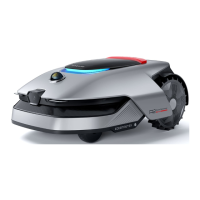
• The Robot
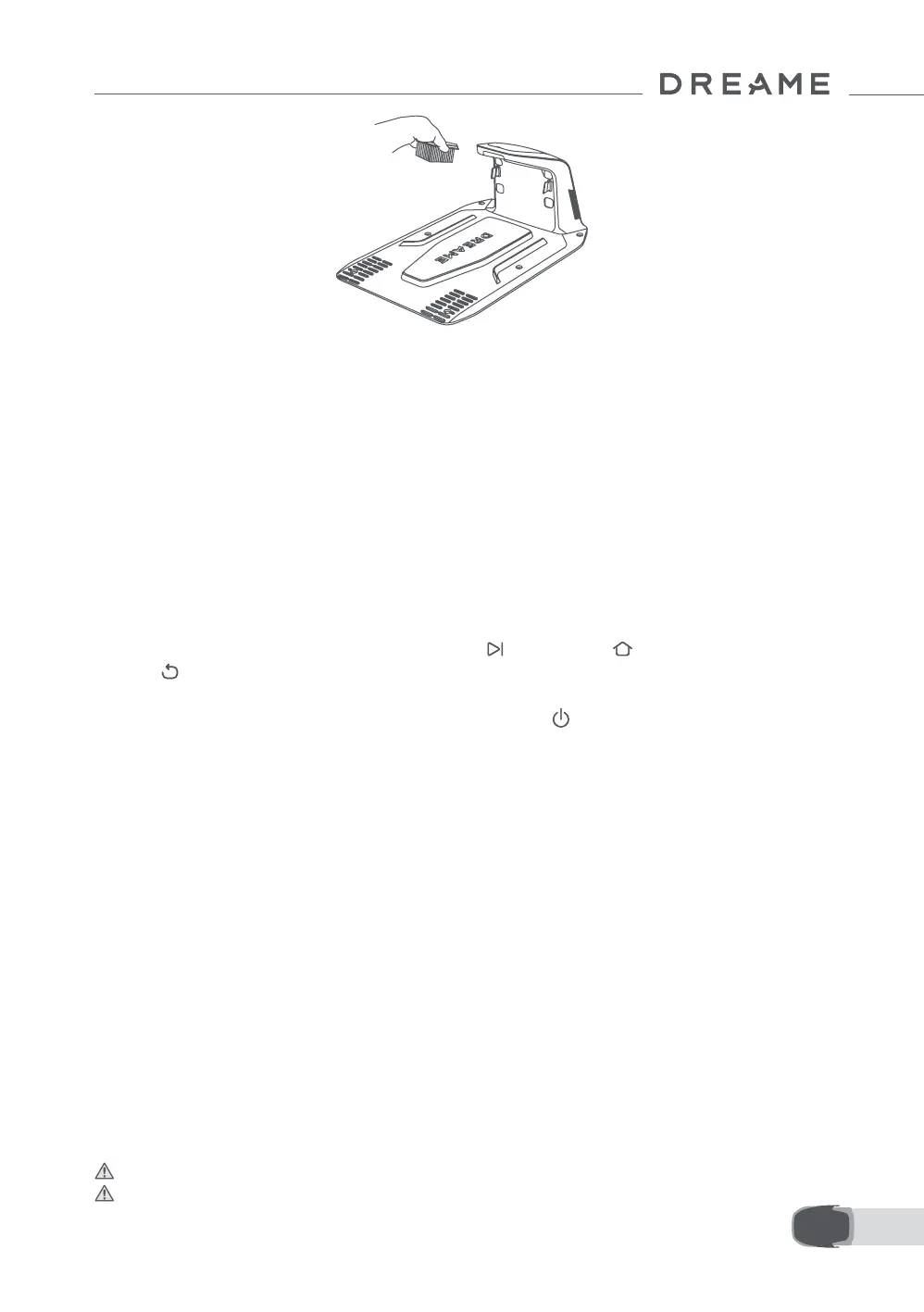
1. Charge the battery fully before turning the robot o.
2. Clean the robot thoroughly before putting it into storage in winter.
3. Put on the LiDAR protective cover.
4. Store the robot inside in a dry place, at a temperature above 0° C.
• Charging Station
Unplug the charging station and store it in a dry and cool place, away from direct sunlight.
Note: After winter storage, please reinstall the charging station and place the robot in it to charge. If you
reinstall the charging station in a dierent location, the robot will automatically update the station's location
as soon as it charges and leaves the station. If you encounter positioning errors because of major changes
in your garden, it's recommended to remap the area.
For long distance transport, ensure that the robot is turned o. It is recommended to use the original
packaging. Please put on the LiDAR protective cover.
Warning: Please turn the robot o before transporting it.
Warning: Lift the robot by the rear handle, keeping the blade disc away from your body.


 To Next Page