18EN
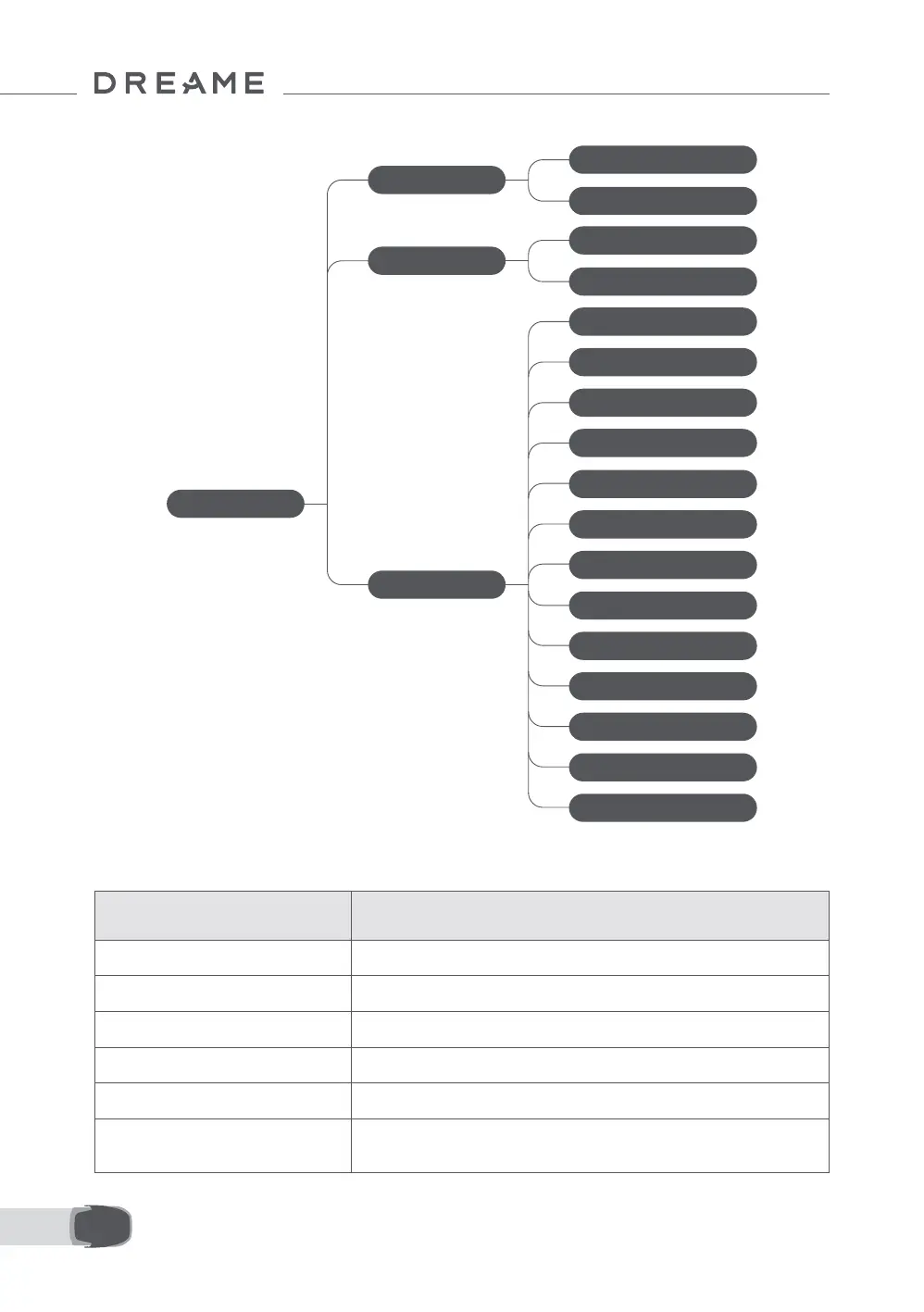
Menu Structure Overview
Main Page
Schedule
Settings
Modes
All-Area Mowing
Edge Mowing
View Schedule
Turn on/o Schedule
Mowing Eciency
Mowing Height
Obstacle Avoidance Height
Do Not Disturb Mode
Rain Protection
Frost Protection
Lift Alarm
O-Map Alarm
Change PIN Code
Volume
Language
Reset the Robot
About
*It might be updated depending on the software version.
Note: You can customise the activation period and scenarios of the robot light in Settings > Light.
Status Light on the Robot
Colour Meaning
Solid red An error has occurred.
Solid blue The robot is on standby.
Blinking blue The robot is performing a task or is paused.
Blinking green The robot is charging in the charging station.
Solid green The battery is fully charged.
Blinking yellow
1. The robot is on patrol.
2. Real-time video from the front camera is displayed via the app.


 To Next Page