Tamarisk
®
Camera Control Software User Guide
Initiate the installation process by selecting (double mouse click) DRS Camera Control Software
Setup icon; Refer to Figure 6.
Figure 6. Software Install
3.2 INSTALL CAMERA CONTROL SOFTWARE
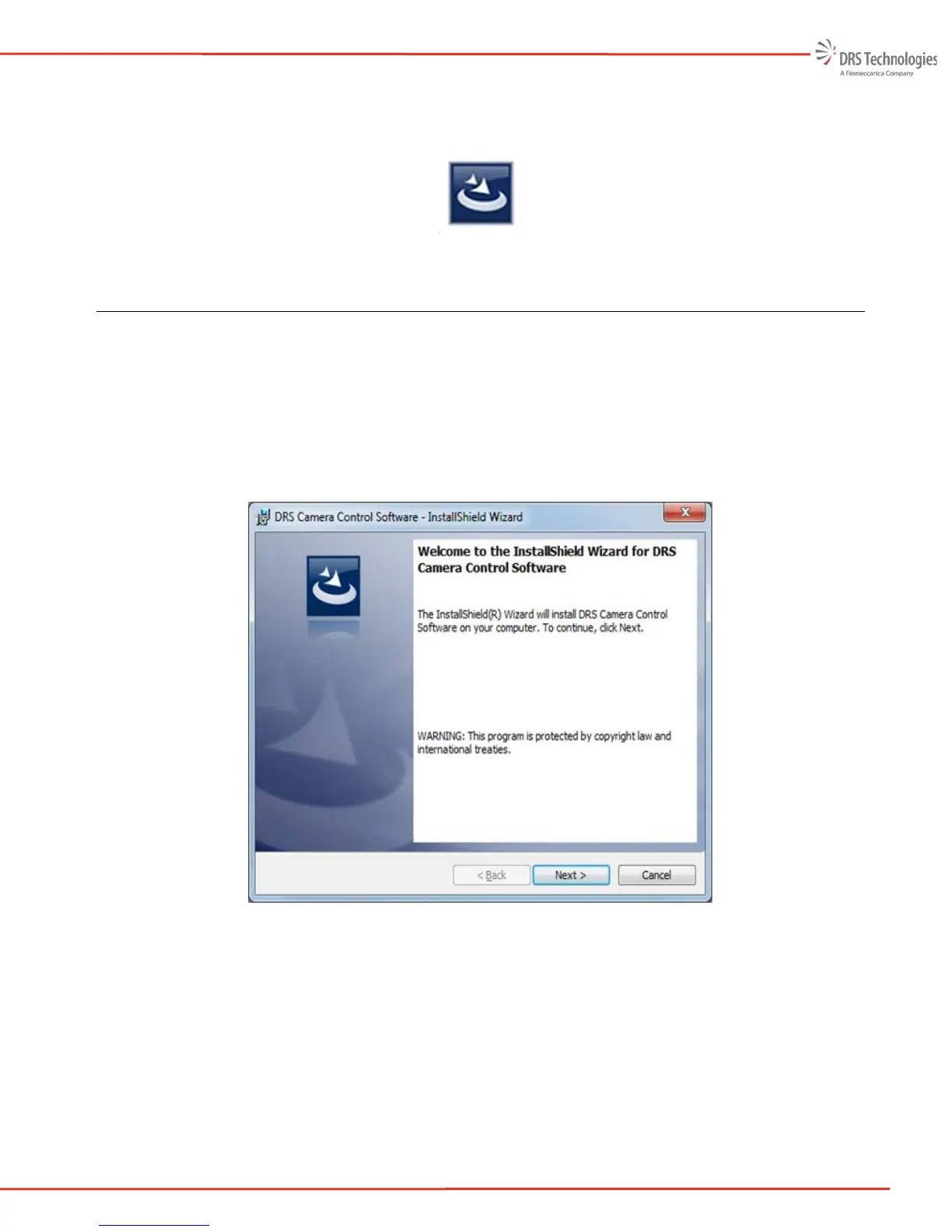
Once the user double clicks the DRS Camera Control Software Setup icon, the image shown in Figure
7 appears. If the Install Wizard detects that an older version of the Camera Control Software is
installed, the user will be asked if he wants to install a new version. It is highly recommended to exit
setup and uninstall the previous version prior to installing the new version. At any point prior to
clicking the “Install” button; the user can cancel the installation by clicking the “Cancel” button.
Figure 7. Welcome to the InstallShield Wizard
Software License Agreement: The Software License Agreement screen is shown in Figure 8. Once
the agreement is read the terms accepted, the user selects “I accept the terms in the license
agreement”. The user can print the agreement by selecting the “Print” button.



 To Next Page