Tamarisk
®
Camera Control Software User Guide
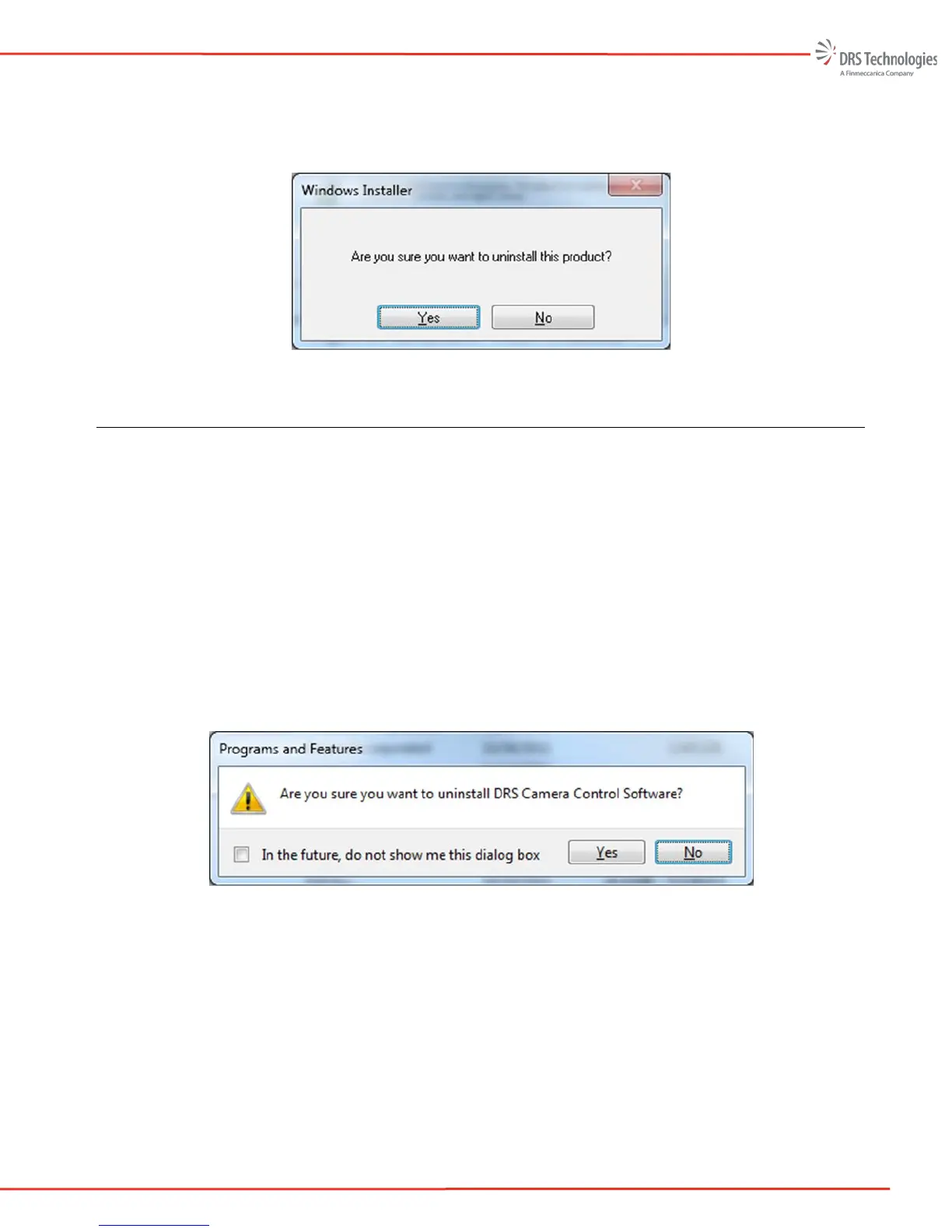
Once the icon is selected, the window shown Figure 55 will appear. Click “Yes” to continue the
uninstall procedure. When finished, a notification is displayed to confirm the uninstall operation has
been completed.
Figure 55. DRS Camera Control Software Uninstall
6.3 UNINSTALLING THE SOFTWARE VIA CONTROL PANEL
Microsoft Windows has a built in uninstall mechanism. To uninstall the DRS Camera Control
Software, perform the following:
1. From the Start menu, select Control Panel
2. In Large or Small icon view, click Programs and Features. If you're using Category view,
under "Programs", click Uninstall a program
3. Select the DRS Camera Control Software and click Uninstall. Alternatively, right-click
the program and select Uninstall
Once the icon is selected, the window shown in Figure 56 will appear. Click on Yes to continue the
uninstall procedure. When complete a notification window will tell you that the uninstall was
completed
Figure 56. Control Panel Uninstall



 To Next Page