Tamarisk
®
Camera Control Software User Guide
7 T ROUBLESHOOTING
In this section troubleshooting guides are presented to aid the user in diagnosing potential problems.
7.1 NO ATTACHED DEVICES FOUND
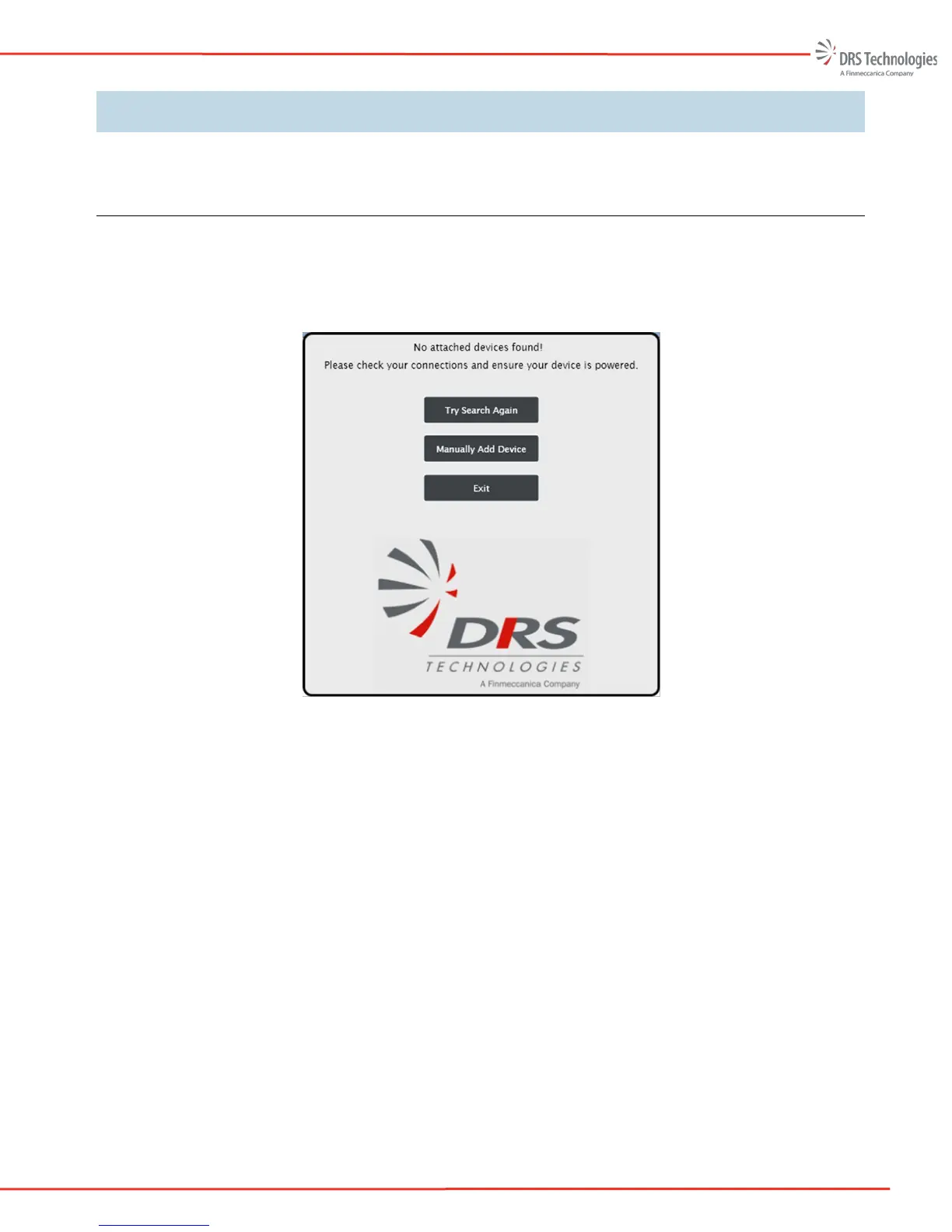
If the DRS Camera Control Software does not detect a camera, the “No attached devices found!”
window appears - see Figure 57. Symptoms and solutions for remedying this issue are outlined
below.
Figure 57. No Attached Devices Found
• Symptom: An audible shutter click is not heard when the camera is powered:
Verify that the camera interface cable is inserted correctly into to both the 30-pin electrical
interface on the back of the camera as well as the 30-pin connector on the break out box.
The connectors are keyed such that they can only be inserted one way
If your set-up uses USB for camera communication and power, verify that the mini-USB
to USB cable is properly connected to their respective ports on the break out box and on
the PC
If your set-up uses RS232 for camera communication then an auxiliary power supply is
required. Be sure the external DC power supply is connected to the camera’s break out
box and that the supply is turned on. Verify that the serial RS232 cable is properly
connected between the camera’s break out box and the PC
Verify that the communication cable (ie.USB) is not damaged.



 To Next Page