Tamarisk
®
Camera Control Software User Guide
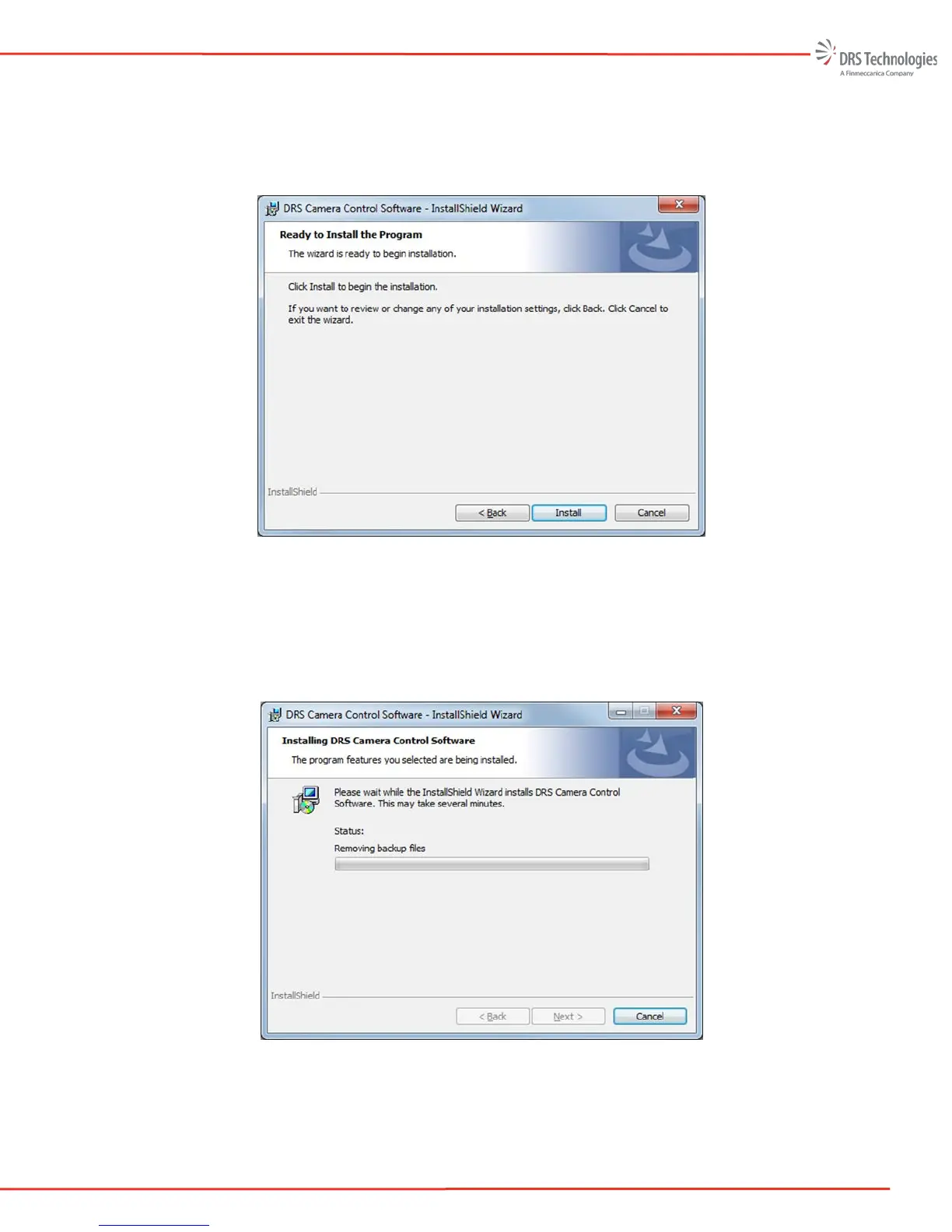
Ready to Install the Program: The InstallShield Wizard has enough user information to complete the
installation. At this point the user can cancel the installation. Once the “Install” button is pressed, the
Wizard will make sure the system meets the minimum installation requirements and complete the
installation. The Ready to Install the Program screen is shown in Figure 12.
Figure 12. Ready to Install the Program
Installing DRS Camera Control Software: The InstallShield Wizard status shows the changes that are
made during the installation; a progress bar also is provided. A command prompt window may
briefly appear; this is a normal part of the installation. Figure 13 shows the Installing DRS Camera
Control Software screen.
Figure 13. Installing DRS Camera Control Software
Within approximately three minutes the InstallShield Wizard Completed screen appears. The
installation is now complete. Select Finish. By default the DRS Camera Control Software will not


 To Next Page
 Loading...

