Tamarisk
®
Camera Control Software User Guide
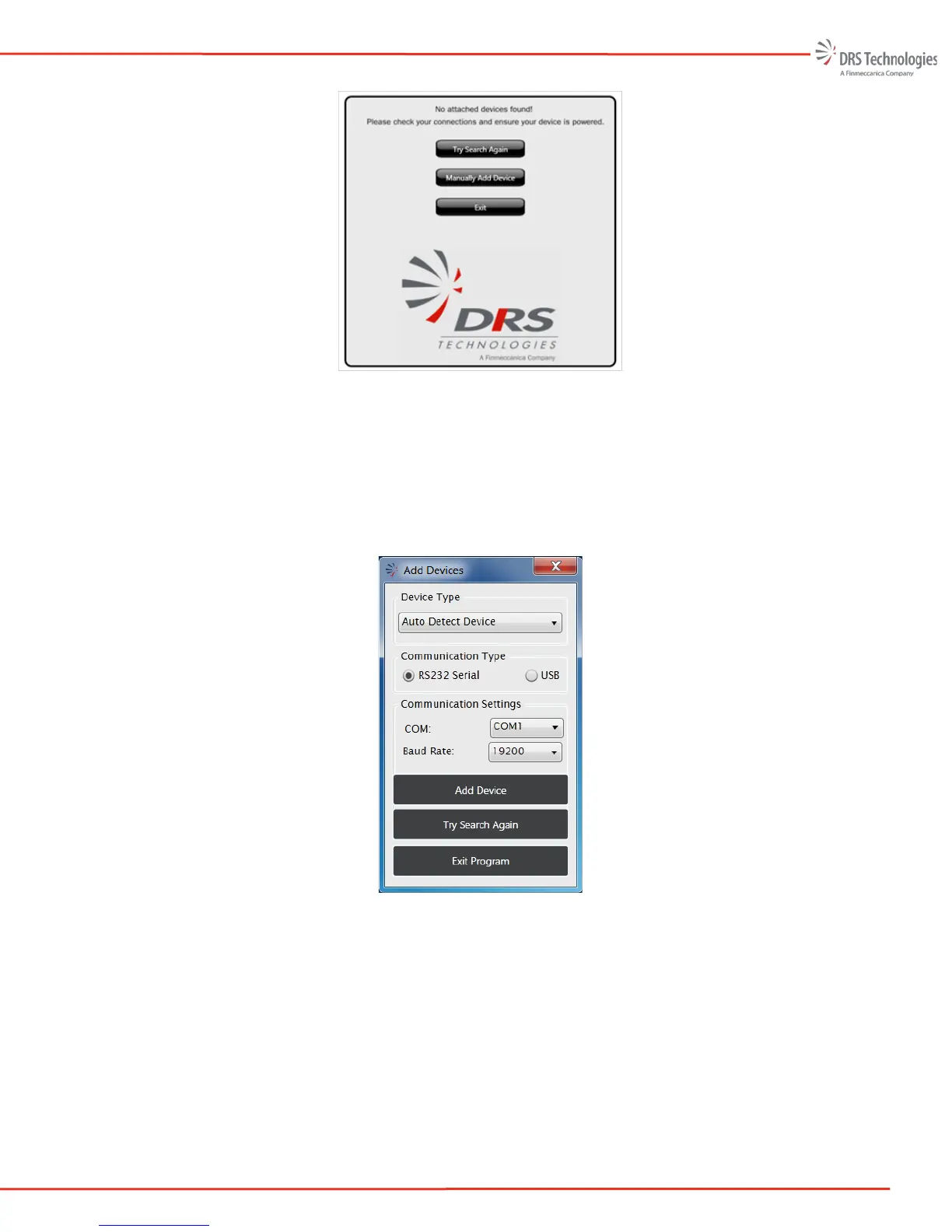
Figure 17. DRS No Attached Devices Found
Select the camera from the pull-down menu or select “Auto Detect Device.” Additionally, the user
may select the COM port and Baud rate. The default baud rate for connecting through USB is
921600. The default baud rate for connecting through a RS232 serial interface is 57600. Figure 18
illustrates the configuration needed to connect to the camera via the RS232 interface; The COM port
used is PC dependent. Click “Add Device” to connect to the selected camera.
Figure 18. DRS Control Software Icon



 To Next Page