Tamarisk
®
Camera Control Software User Guide
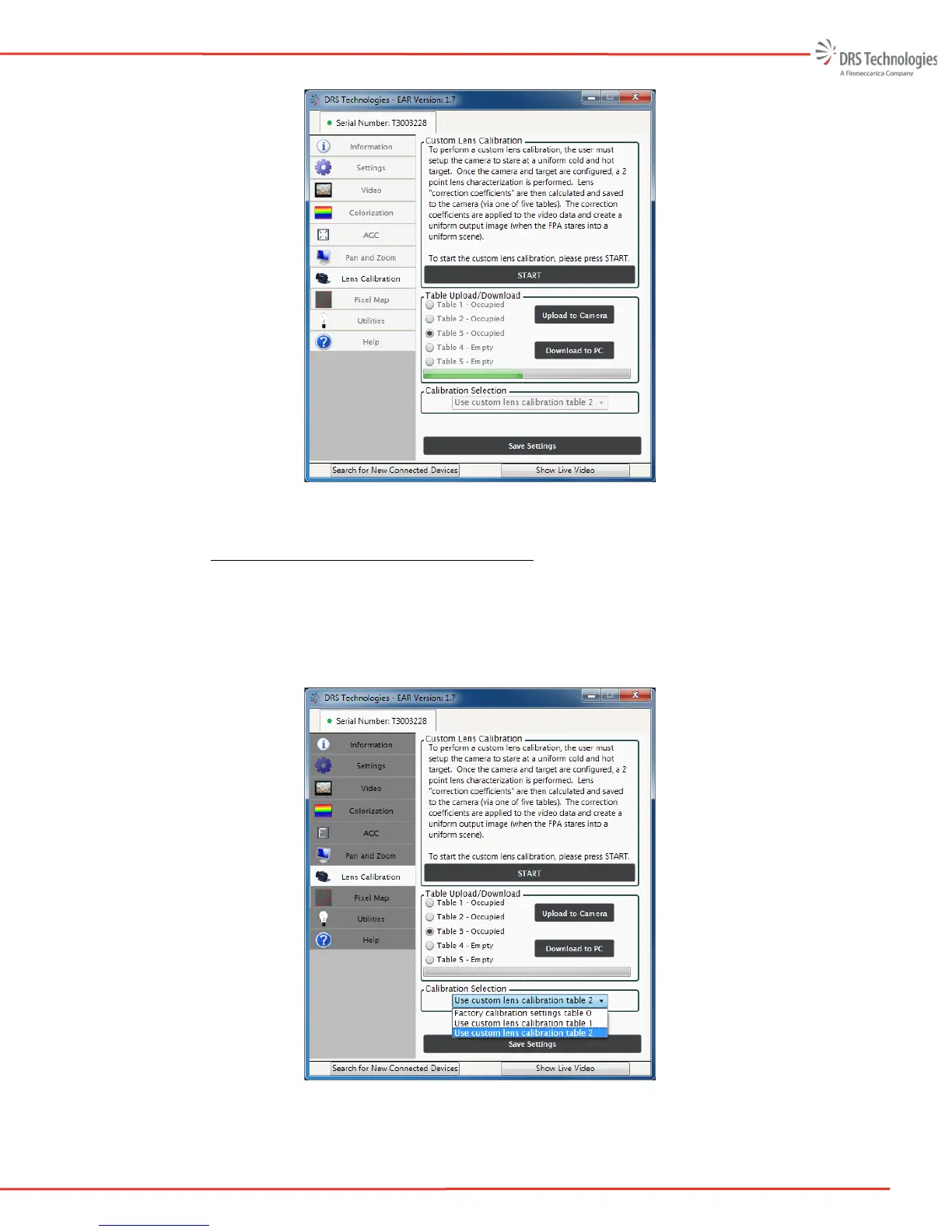
Figure 46: Table 3 Occupied
5.7.7 Lens Calibration - Calibration Selection
Calibration Selection (shown in Figure 47) allows the user to select one of the occupied tables for
use or to Restore Factory Calibration Settings. To enable a specific calibration table, simply
highlight one of the options in the pull-down menu found in the Calibration Selection task pane.
Upon selection, the table is immediately applied to the camera and saved to non-volatile memory
and will remain persistent through power cycles until it is changed.
Figure 47: Calibration Selection



 To Next Page