Getting Started
EN-12
Getting Started
This chapter will help you get started using the device.
CAUTION!
Before any internal installation procedures are carried out on the system, make
sure the system is turned off and cooled down for 5 minutes. Failing to turn off the
system before opening it can cause permanent damage to the system and serious
or fatal injury to the user.
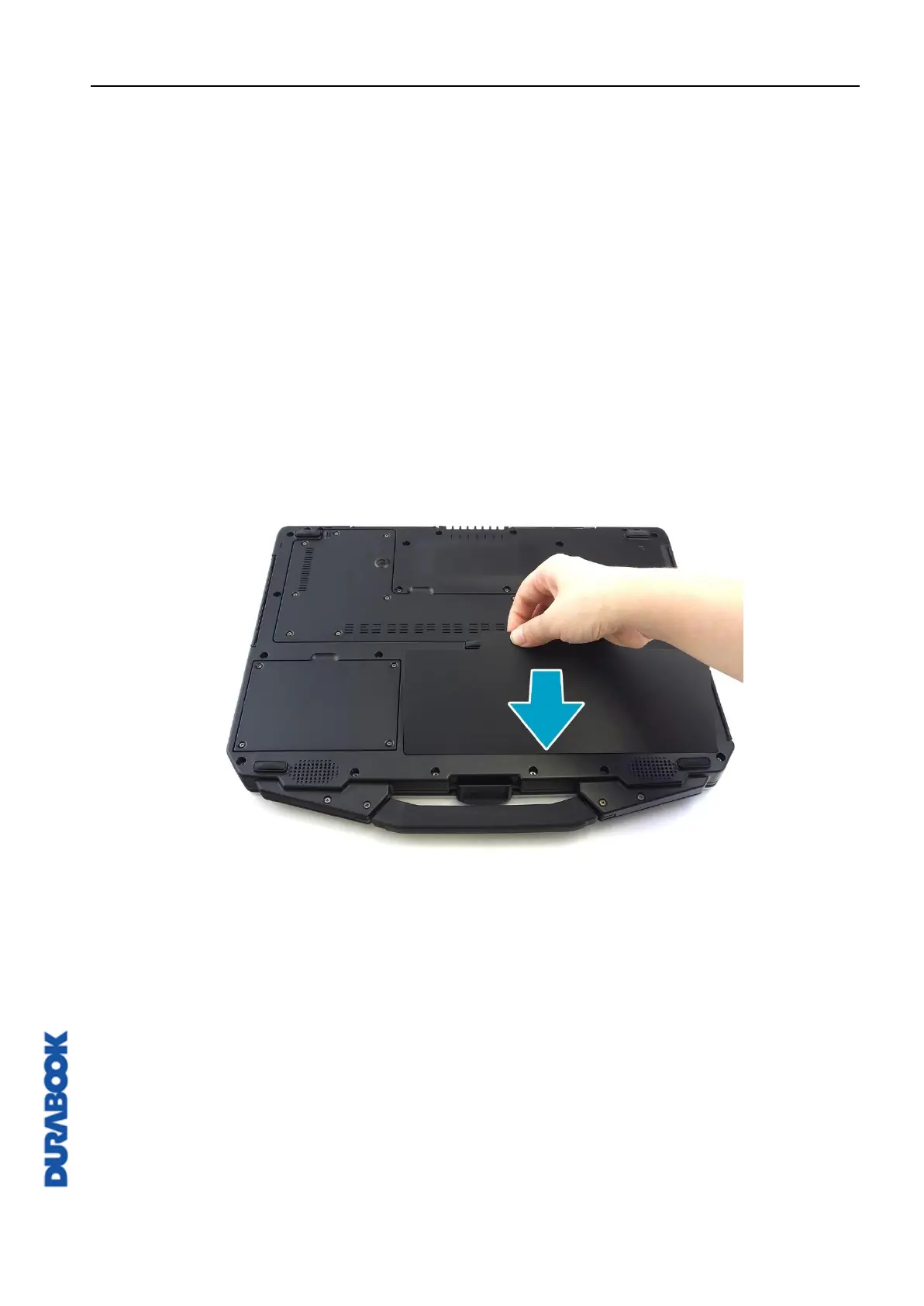
Installing the Battery
To install the battery, follow the steps below:
1. Align and insert the battery into the battery compartment.



 To Next Page