Getting Started
EN-22
Connecting to Power
Your notebook can be powered up using the AC adapter or the Lithium-ion battery.
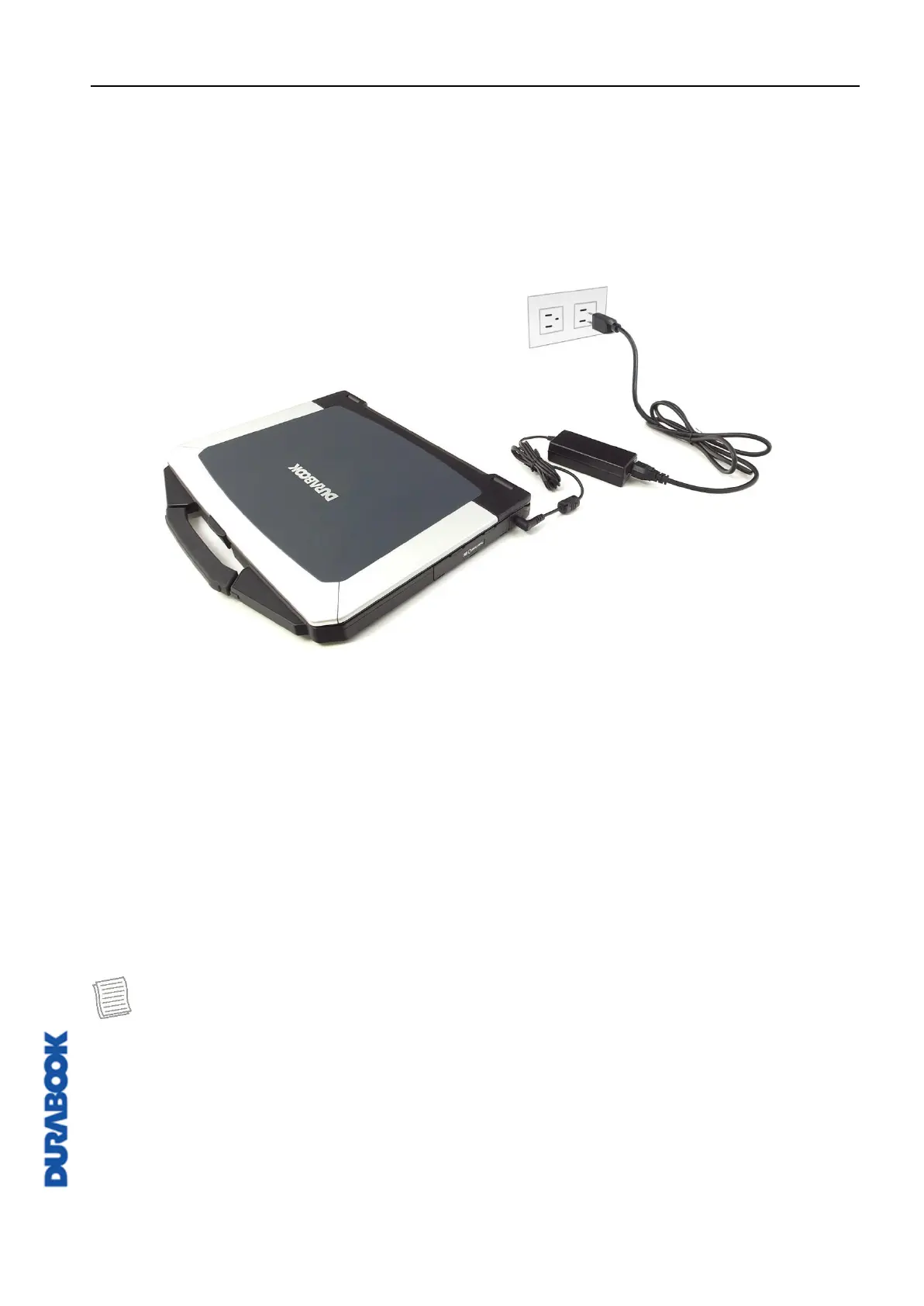
Connecting the AC Adapter
The AC adapter powers up your notebook and charges the battery.
1. Connect the AC adapter to the DC-in jack on your notebook.
2. Connect the AC adapter to the power cord.
3. Plug the power cord into an electrical outlet.
Using Battery Power
1. Install the charged battery in the battery compartment.
2. Remove the AC adapter (if plugged in). Your notebook will automatically use
the battery power.
NOTE
If you are using the notebook with the battery power for the first time, be sure
that the battery is fully charged before you operate the notebook.



 To Next Page