Troubleshooting
EN-64
Hard Disk Problems
The hard disk will not spin up, so the device can’t boot up.
This occurs if the unit is exposed to extreme low temperatures. This is not a
hardware failure associated with the hard disk. The integrated hard disk
drive heater will warm the drive to a safe operating temperature.
The device does not startup properly.
Make sure you remove any USB drives from the unit before you start it.
Connect the AC adapter to charge the battery if it is not charged.
If the battery does not begin charging, perform the following:
1. Remove the battery.
2. Connect the AC adapter.
3. Turn on the device by pressing the button.
4. Reinstall the battery. The battery LED is a steady orange while the
battery is charging.
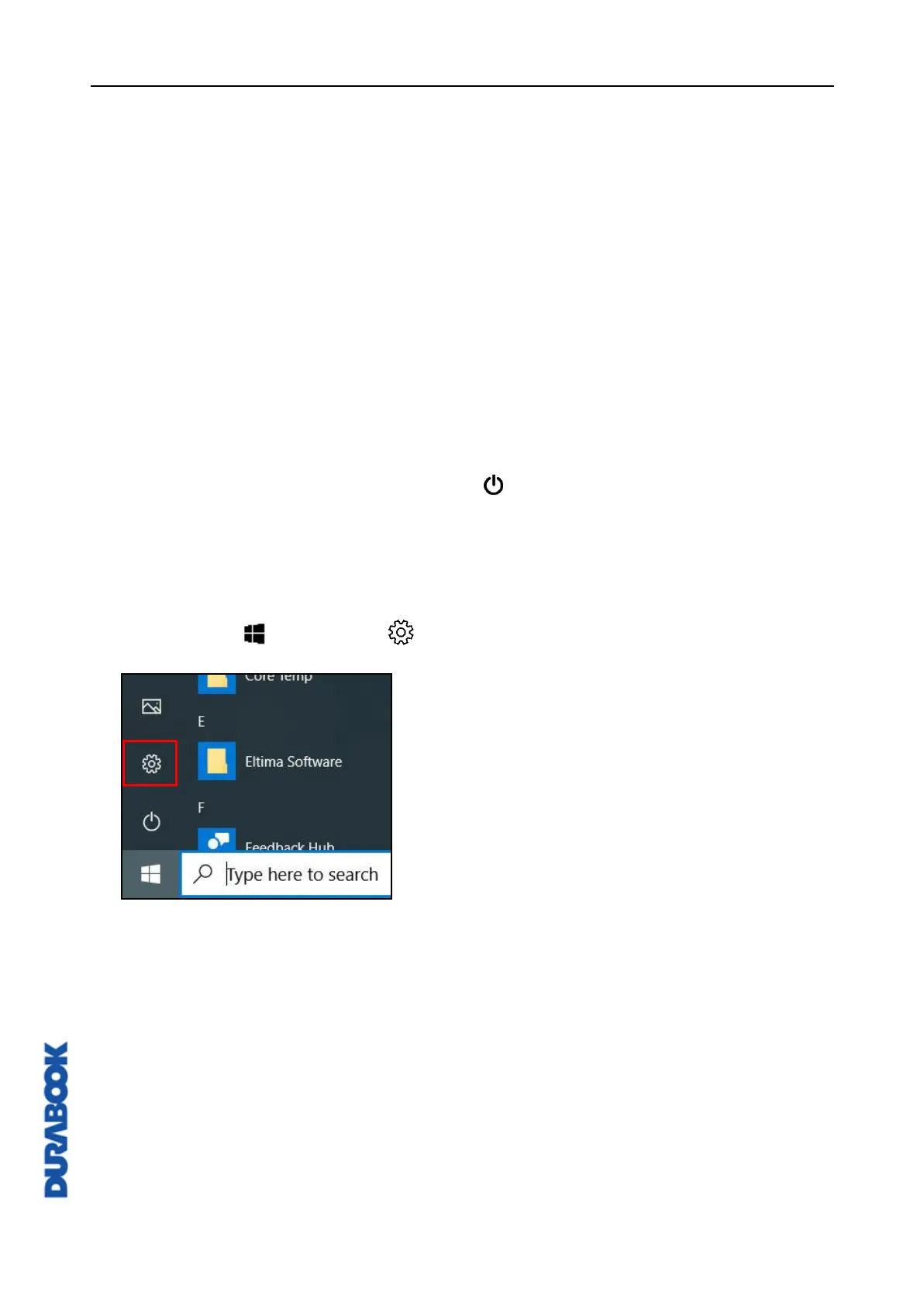
Hard disk recovery process on Win10
1. Select Start > Settings .



 To Next Page