Getting Started
© 2019 Twinhead International Corp and/or its affiliates. All rights reserved.
Using the Optical Disc Drive (ODD)
You can use the optical disk drive (ODD) to play or record DVD or CD disc.
Placing a Disk
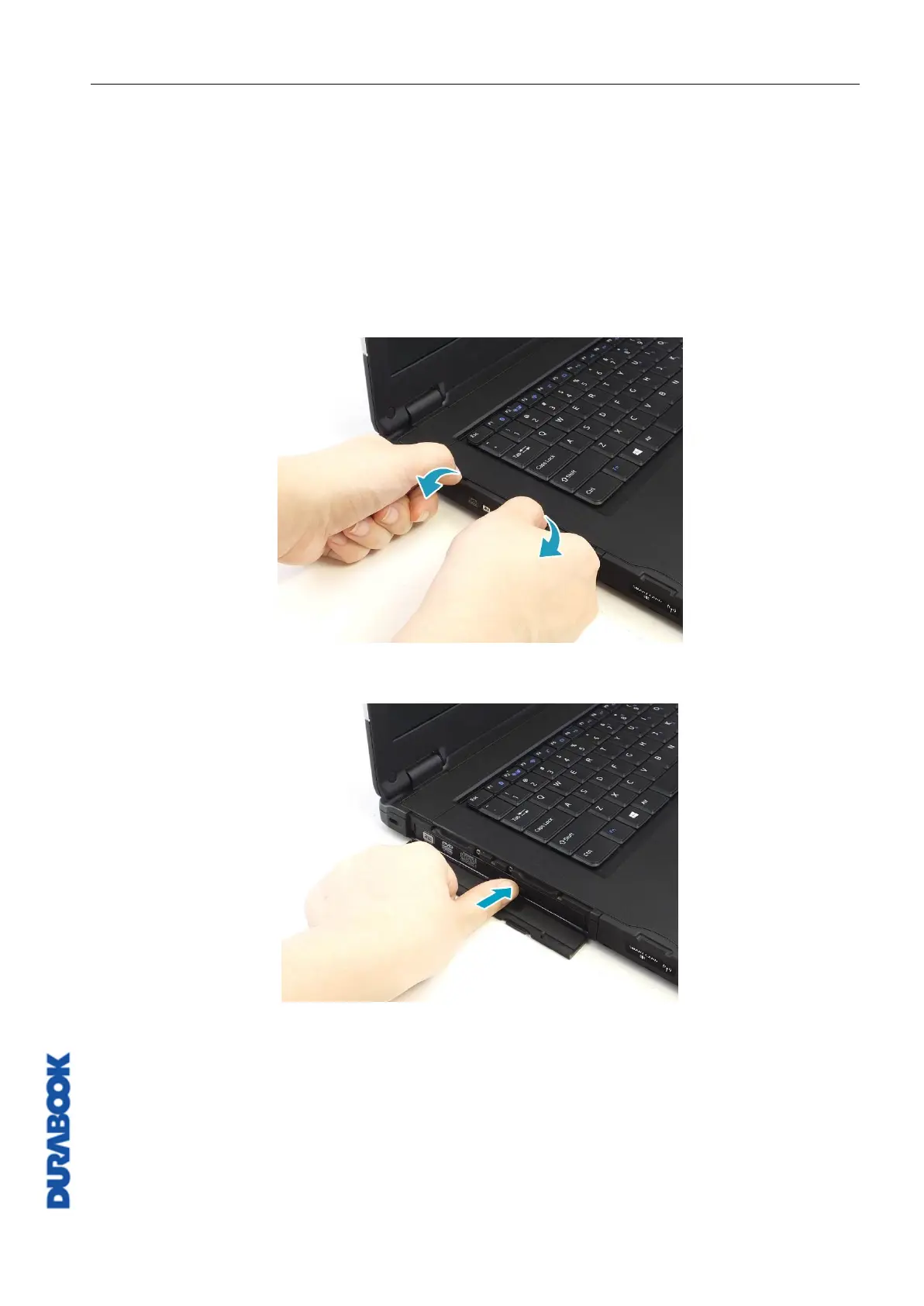
To place a disk, follow the steps below:
1. Open the ODD cover.
2. Press the Eject button to eject the tray.
3. Place the disc on the tray.
4. Close the disc tray.
Manual Ejection
If the Eject button fails to work properly, insert a paper clip into the Pin Hole
Eject to open the tray.



 To Next Page