Operating Your Notebook
EN-28
Operating Your Notebook
This chapter will guide you through how to use your notebook.
Using the Camera
Using the Camera application, you can use this notebook to take photos or videos.
Opening Camera App
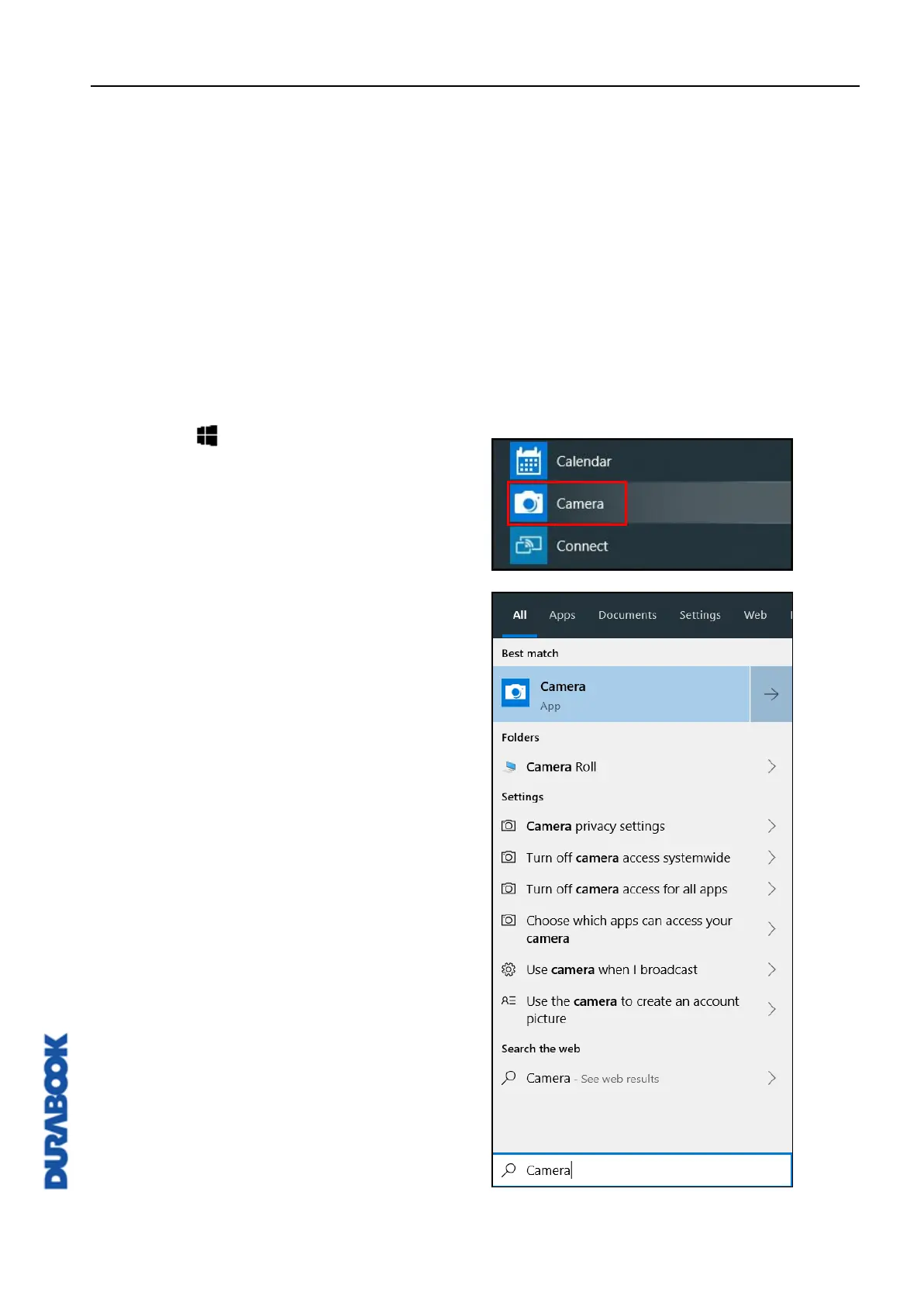
To access the Camera application, do one of the following:
a. Click > Camera.
b. In the Cortana search box, enter
‘camera’. Then click Camera.



 To Next Page