Getting Started
© 2019 Twinhead International Corp and/or its affiliates. All rights reserved.
ATTENTION!
NE PAS charger la batterie si la température est inférieure à 0° C ou
supérieures à 45º C.
Utilisez uniquement l'adaptateur secteur fourni. L'utilisation d'autres
adaptateurs secteur peut endommager la batterie ou de votre tablette PC.
Checking the Battery Level
It is important that you monitor the battery status regularly to ensure you do not
run out of power at a critical moment.
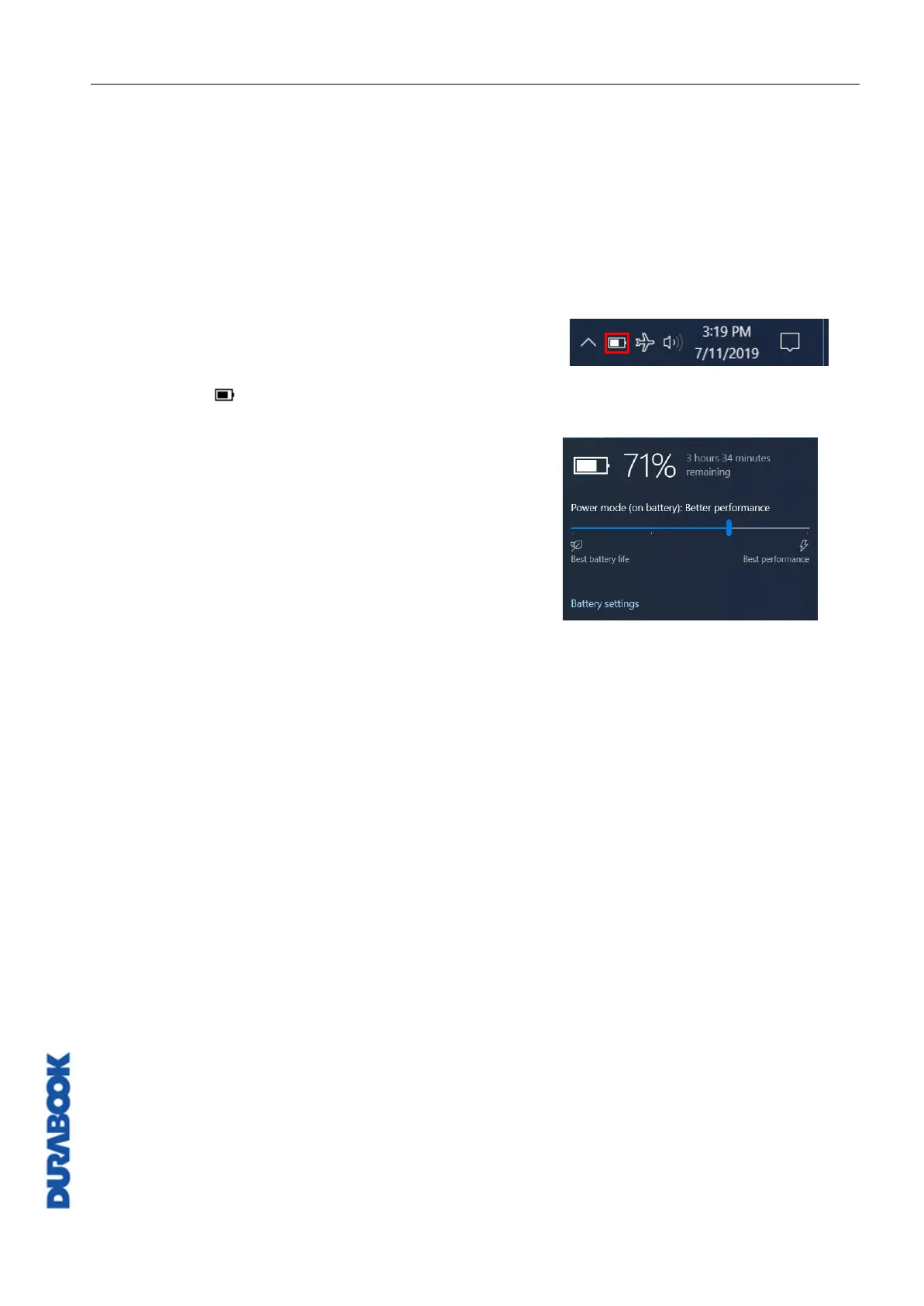
To check the remaining battery power, click the
battery icon ( ) on the system tray.
The battery screen appears, as shown on the
right:
When to replace the Battery Pack
The battery performance gradually decreases over time and usage. We recommend
you replace your battery pack 18 to 24 months after purchase.
Removing the Battery
To remove the battery, follow the steps below:



 To Next Page