Getting Started
EN-24
Starting Your Notebook
Turning On Your Device
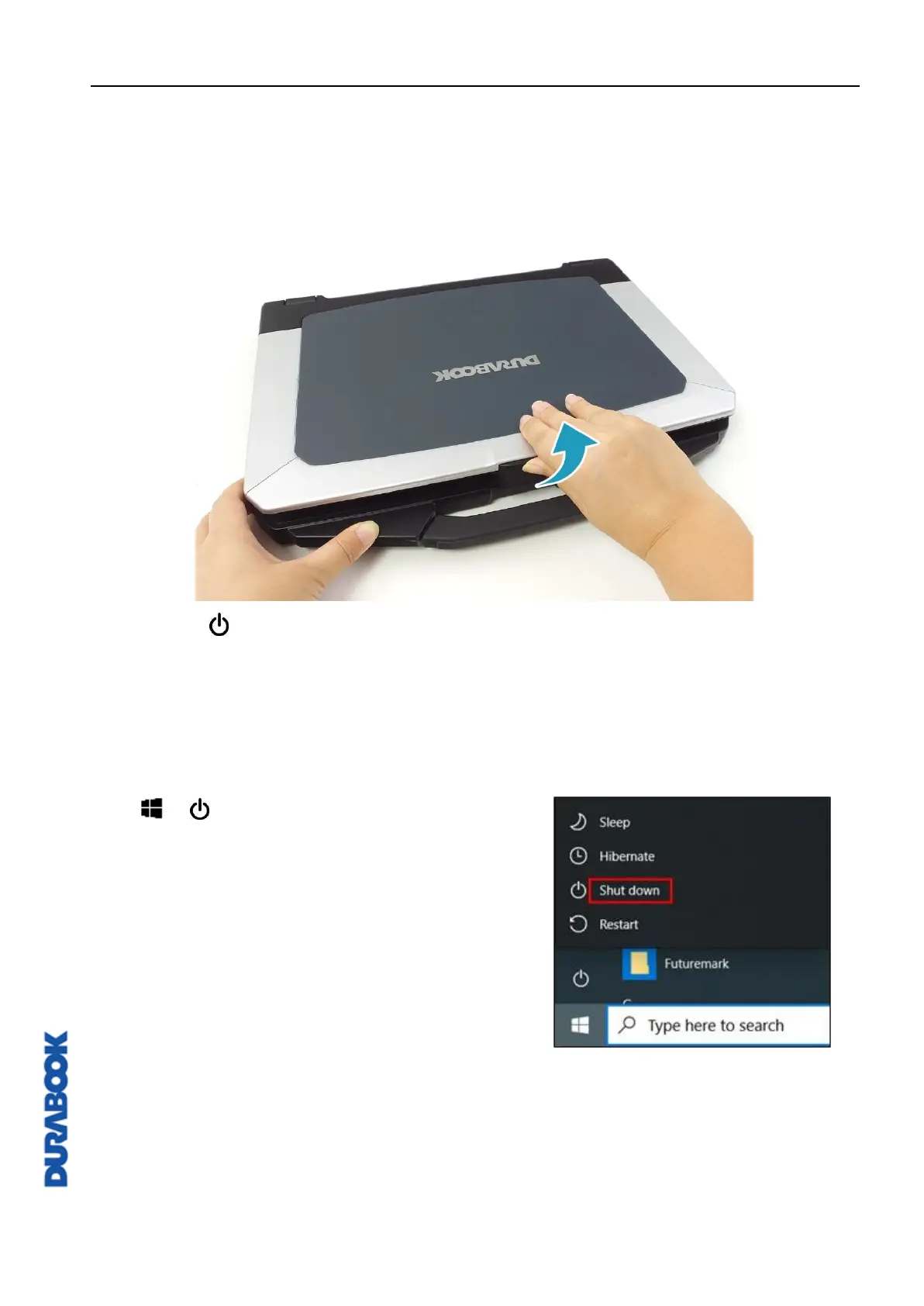
1. To open the display panel, lift the cover lid up to upright position.
2. Press the button until the Power LED lights up.
Turning Off Your Device
It is important to properly shut down your notebook to avoid the loss of unsaved
data. To shut down your notebook, do the following:
Click > > Shut down.
Wait for your notebook to power off
completely before removing the power
source (if necessary).



 To Next Page