Making Connections
© 2019 Twinhead International Corp and/or its affiliates. All rights reserved.
NOTE
A headset and microphone are not included in the package for this device.
They are sold separately.
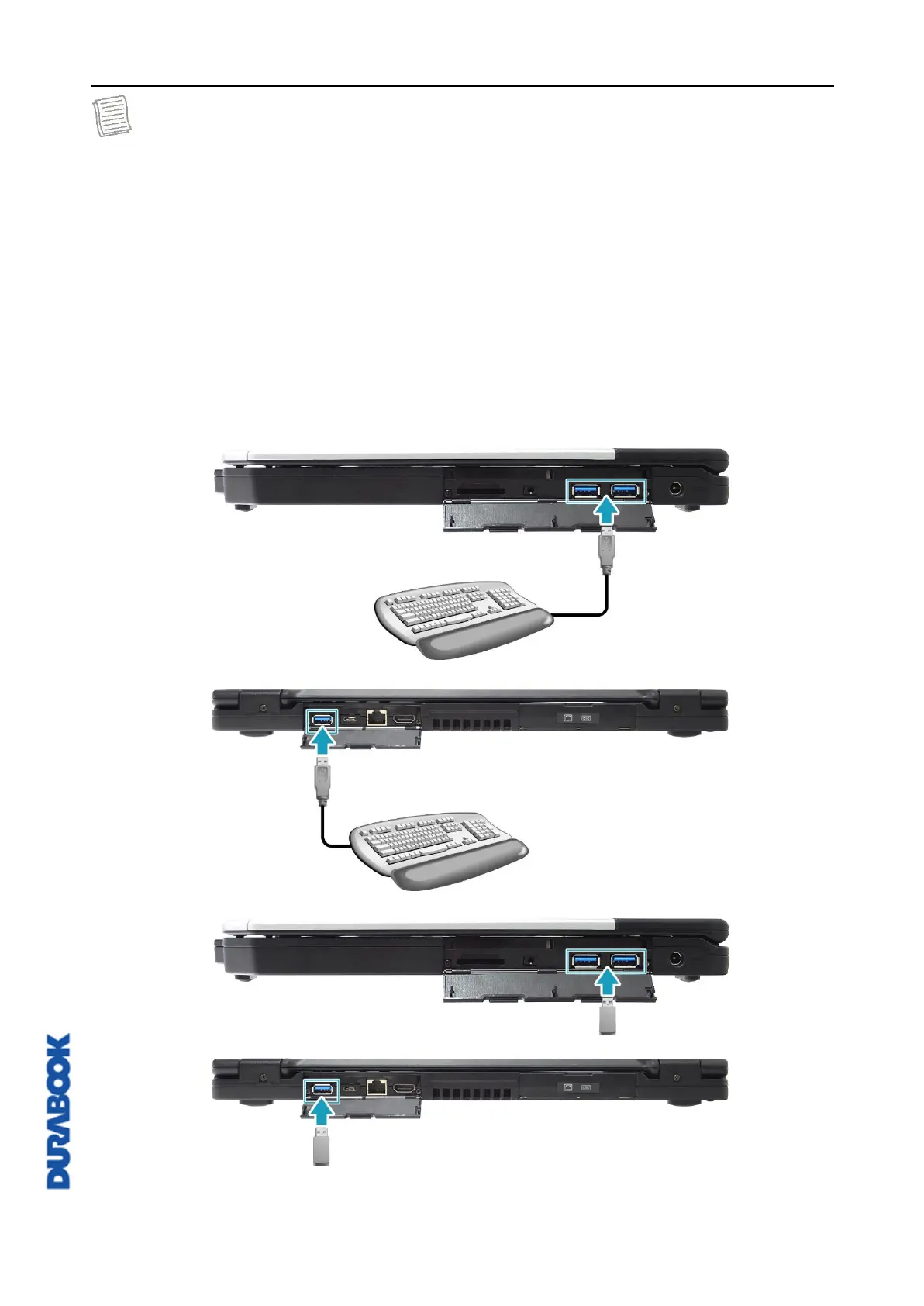
Connecting USB Devices
You can connect your notebook to other USB devices, such as a mouse,
keyboard, digital camera, printer, or an external storage drive.
1. Open the I/O port cover.
2. Connect one end of the USB cable to the USB port of your device or connect
the device directly to the USB port.
3. Connect the other end of the cable to the USB device (if necessary).



 To Next Page