Operating Your Notebook
EN-30
NOTE
You can also toggle / and press Enter to switch to Video mode.
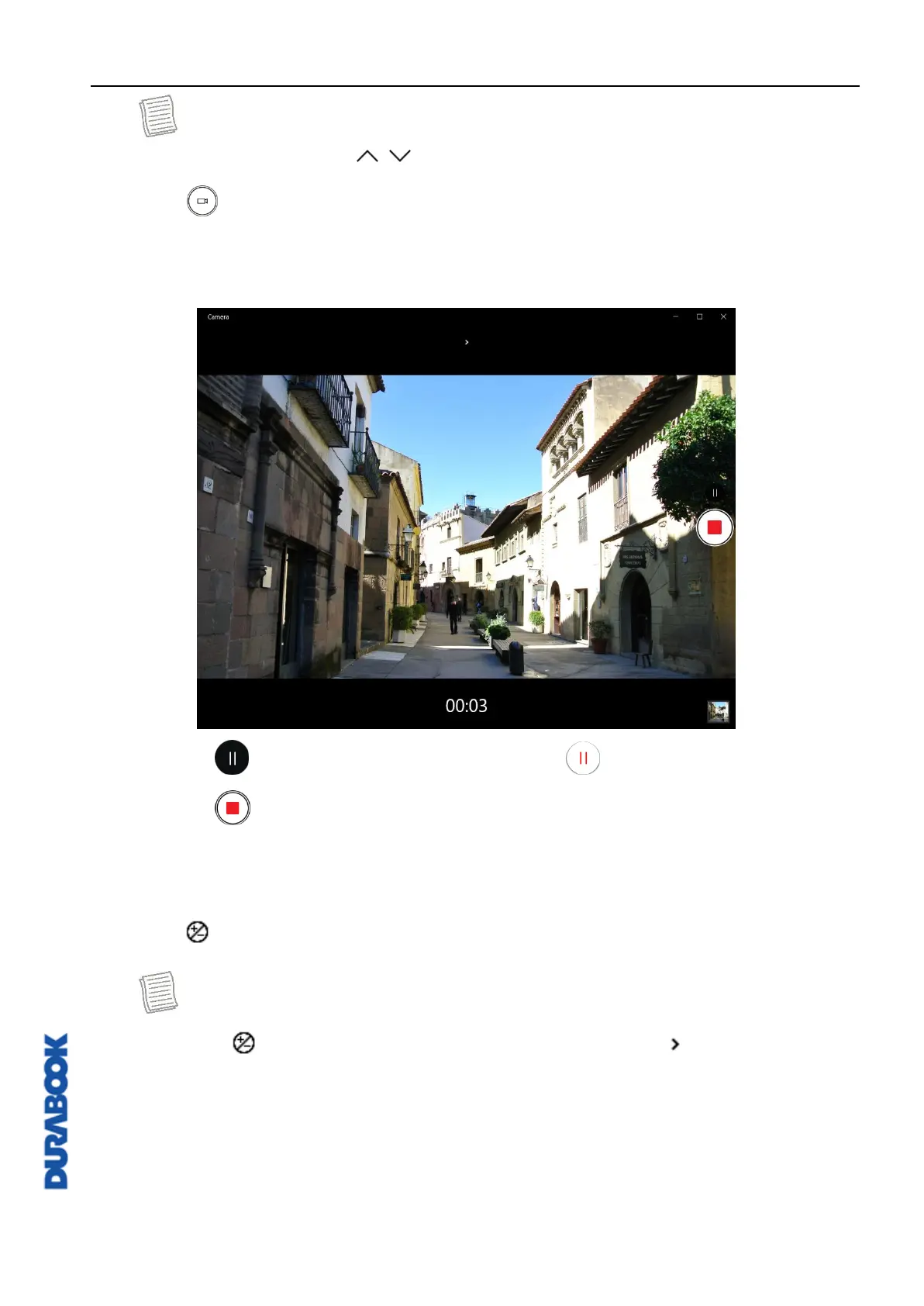
2. Click to start recording a video, as shown on the previous page. The
recording time appears on the bottom of the screen.
3. During the video recording, you can do the following:
Click to pause the recording. Then click to resume.
Click to stop recording the video.
Adjusting Brightness
1. Click to display the brightness control slider.
NOTE
If the icon does not appear on the top panel, click .



 To Next Page