Using the BIOS Setup Utility
EN-50
Advanced Menu
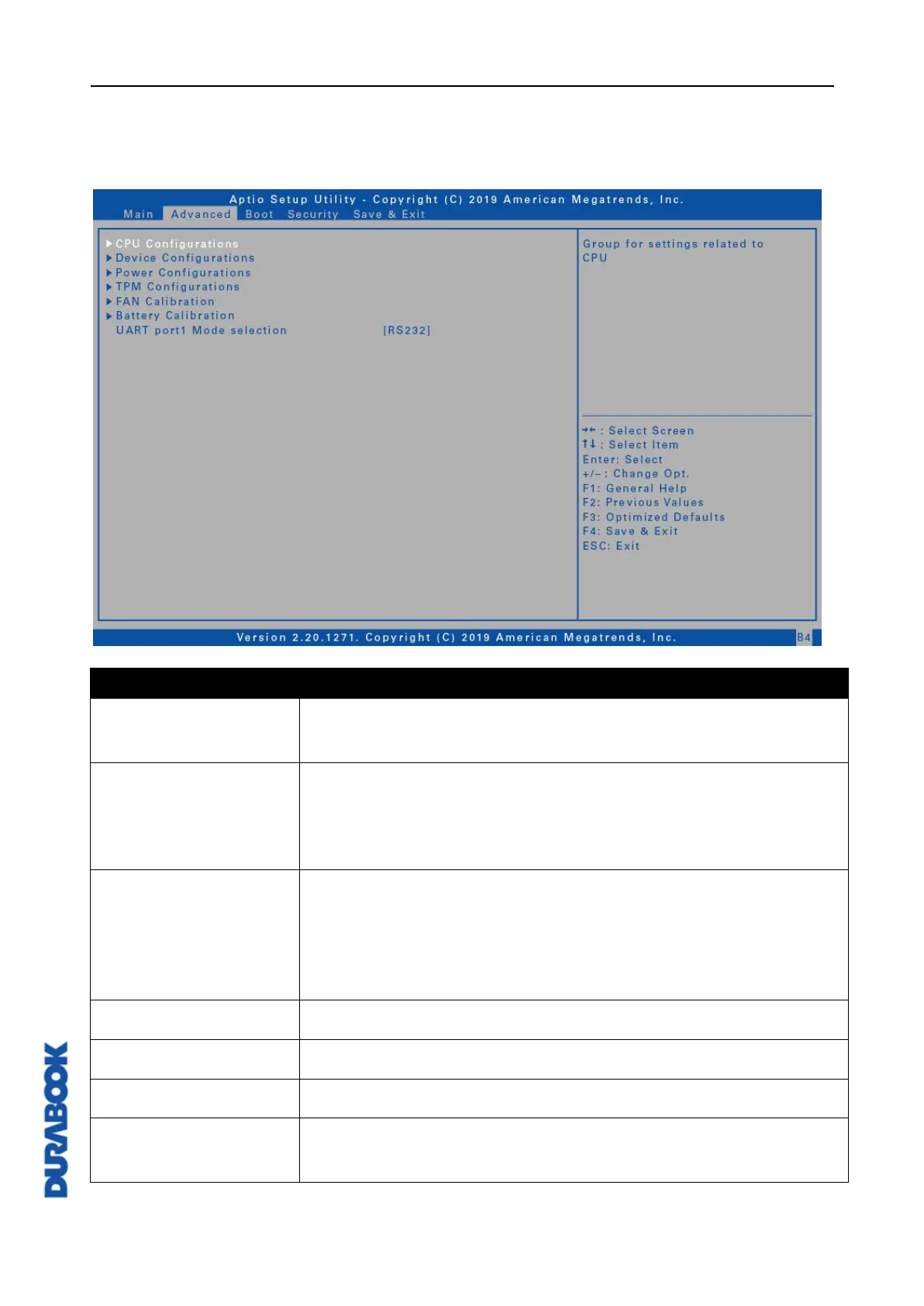
The Advanced Menu allows you to configure specific system settings.
Configure the CPU parameters. For details, refer to CPU
Configurations on page 51.
Configure the device settings including USB ports (1 - 4),
LAN, SD card reader, TPM device, HD audio, smart card,
front camera, wireless LAN, Bluetooth, GPS, and WWAN.
For details, refer to Device Configurations on page 51.
Configure the power management settings including
keyboard backlight timer, resume on AC power, wake on
LAN from S3/S4, wake on wireless LAN from S3/S4, and
USB3.0 power share. For details, refer to Power
Configurations on page 53.
Configure Trusted Computing settings.
Perform the fan calibration.
Perform the battery calibration.
UART port 1 Mode
selection
Set the UART port mode between RS232, RS422, RS485,
or disable the port.



 To Next Page