Getting Started
© 2019 Twinhead International Corp and/or its affiliates. All rights reserved.
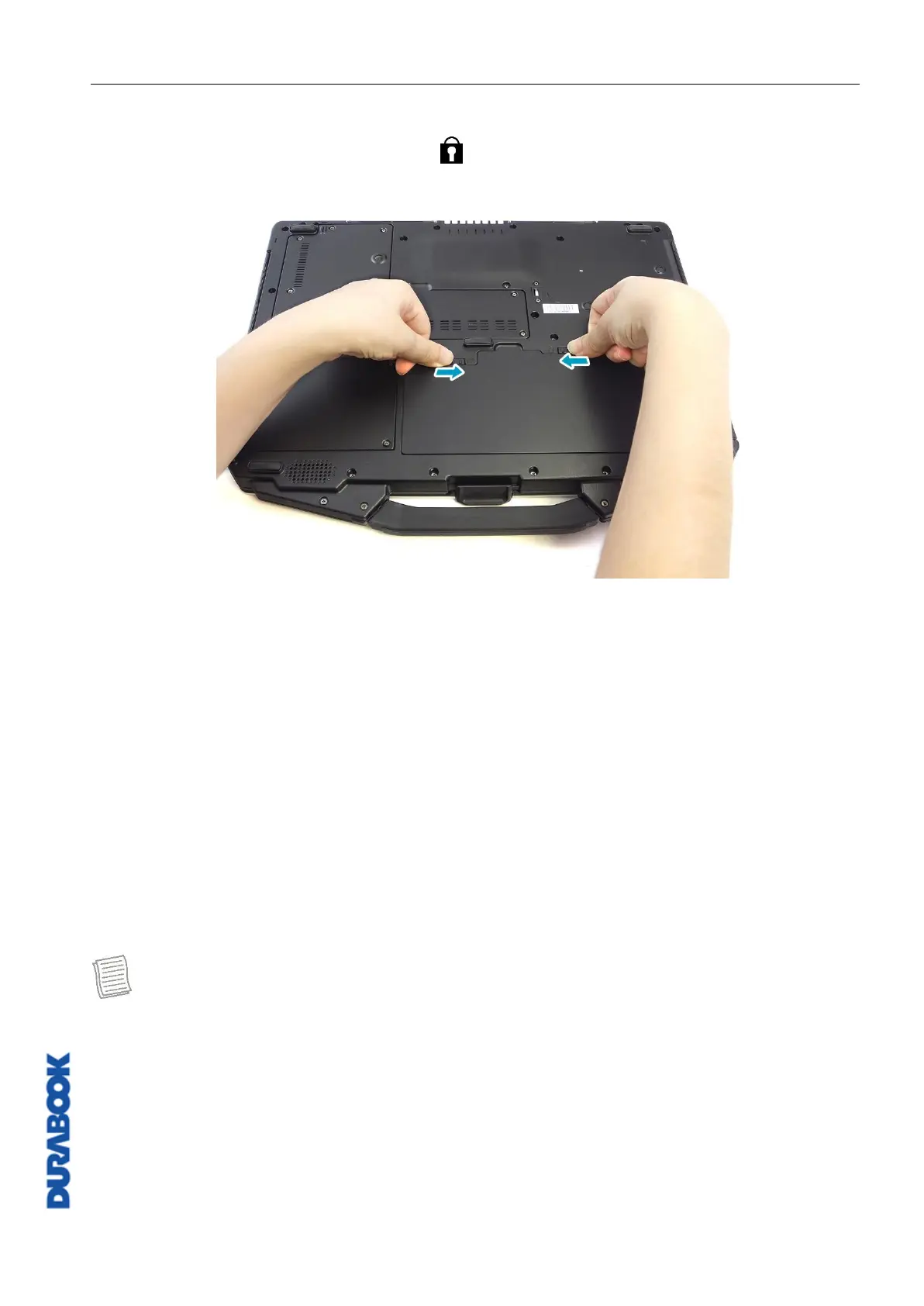
2. Push completely until the battery locks into place.
3. Slide the latch to the lock position ( ) to secure the battery.
Charging the Battery
The Lithium-ion battery is not fully-charged upon purchase.
To charge the battery, follow the steps below:
1. Install the battery to your notebook. See procedures above.
2. Connect the AC adapter to the DC-in jack of your notebook.
3. Connect the AC adapter to the power cord.
4. Plug the power cord to an electrical outlet.
Charging Time
It takes approximately 3.5 hours to fully charge the battery.
NOTE
The charging time may be longer if you are using your notebook while charging
the battery.
CAUTION!
DO NOT charge the battery if the temperature is below 0
º
C or higher than
45
º
C.
Use only the supplied AC adapter. Using other AC adapters may damage the
battery or your notebook.



 To Next Page