Operating Your Notebook
© 2019 Twinhead International Corp and/or its affiliates. All rights reserved.
Select 50 Hz or 60 Hz to reduce the flickering that may
occur when recording video under fluorescent light.
Digital video
stabilization
When the setting is set to On, then the system reduces
high-frequency frame-to-frame jitter that is produced by
video camera shake.
Select the related settings that can only be configured in
the Settings app.
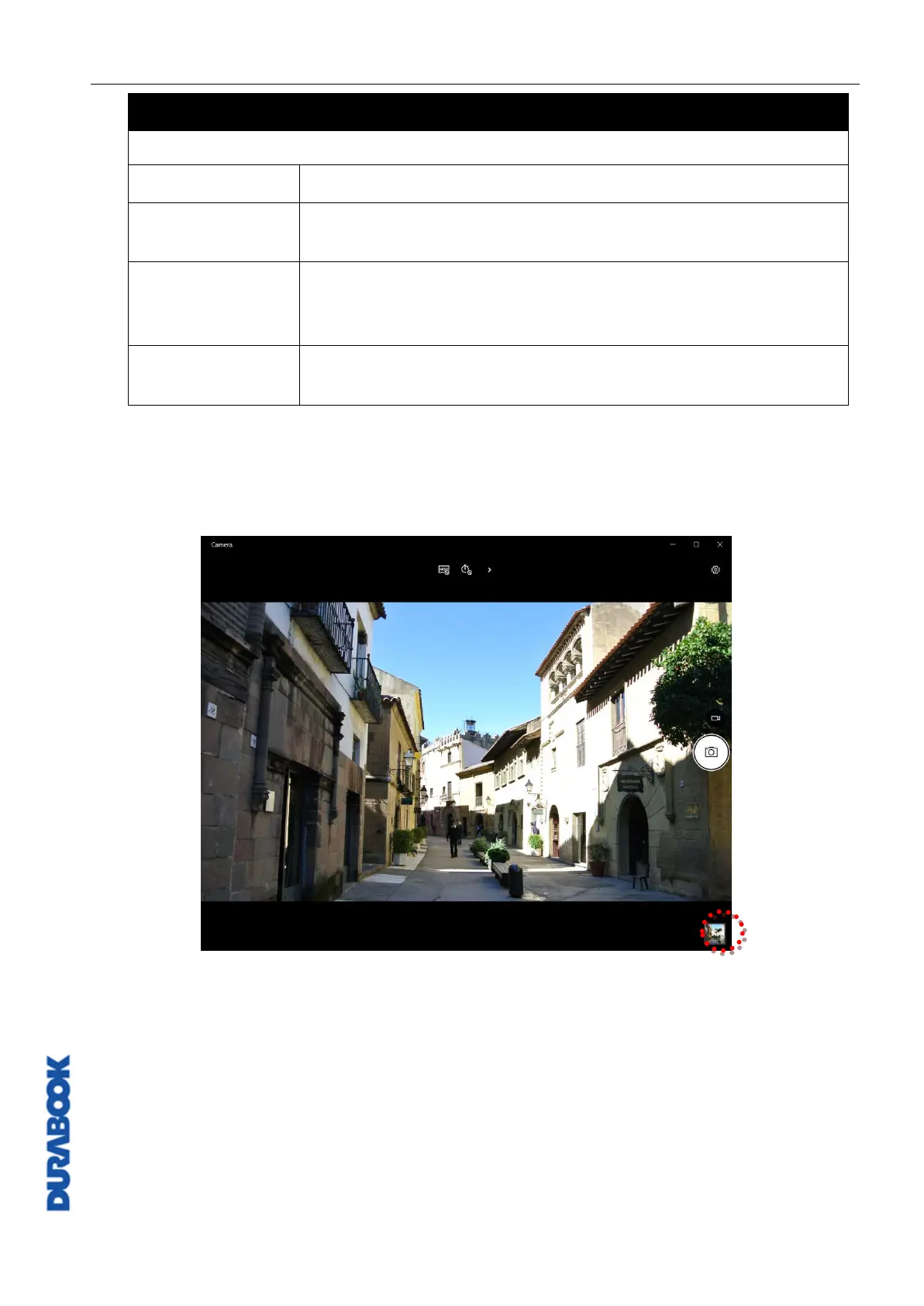
Viewing Photos/Videos
After taking a photo or recording a video, click the thumbnail (in the bottom-right
corner) to view the most recent photo or video taken.
Swipe right to see other photos or videos in your collection.



 To Next Page