Making Connections
EN-46
Connecting to a Wireless Wide Area Network (WWAN)
The WWAN function allows your notebook to connect to the Internet using
mobile or cellular data networks.
To connect, follow the steps below:
1. Insert a valid SIM card into the SIM card slot (refer to page 35).
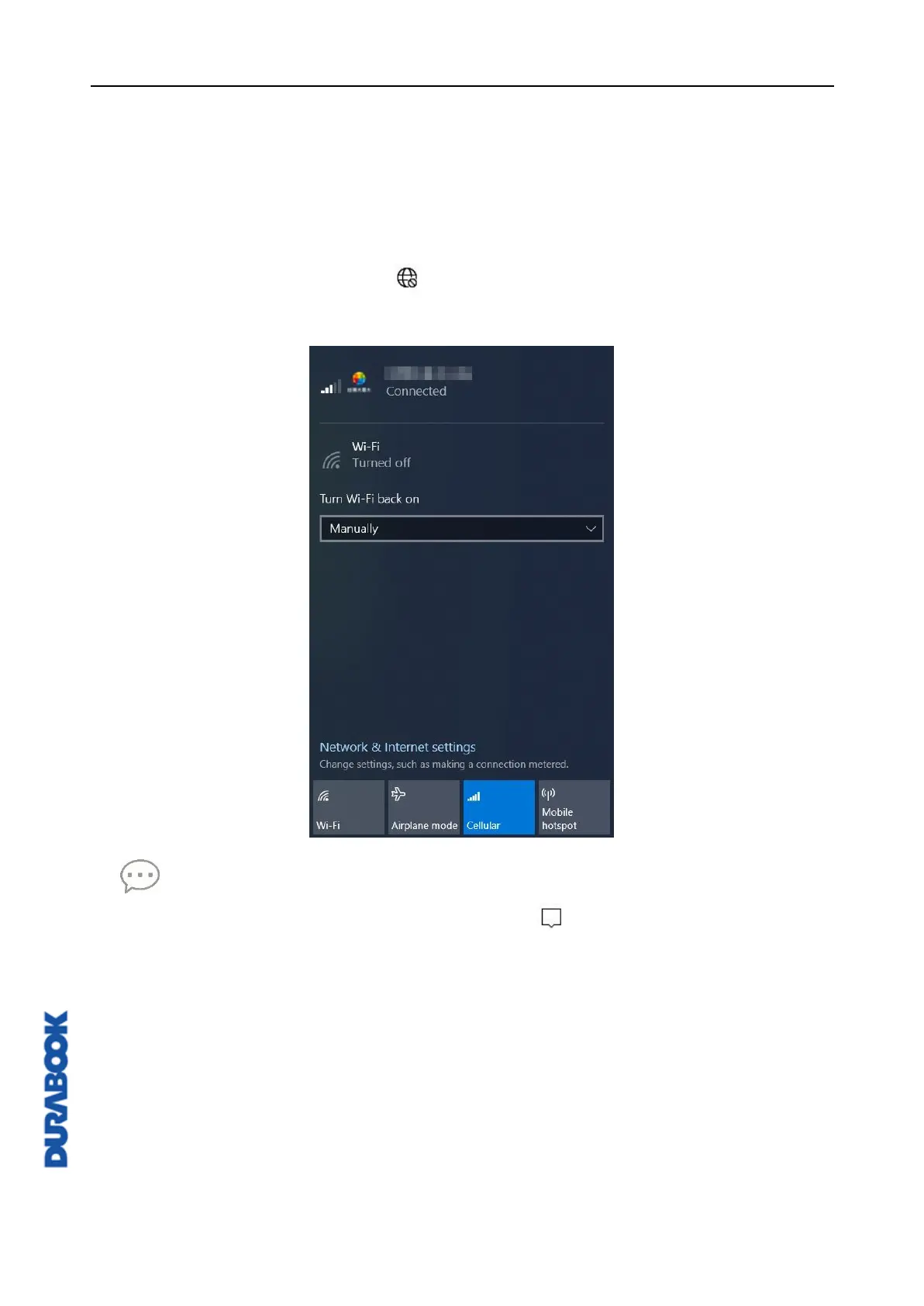
2. Click the cellular network icon ( ) on the system tray. Then, click Cellular to
enable the Internet connection via mobile data network.
TIP
If you do not see the cellular network icon, click on the system tray, and click
Cellular to enable the function.



 To Next Page